For distributors, VARs and solution providers

Bring IDSnap identity capture to your customers.

Add purpose-built card and passport capture hardware to the software, services and deployment expertise your customers already buy from you. We sell to businesses, and we never compete with the businesses we sell to. Your customers stay yours.

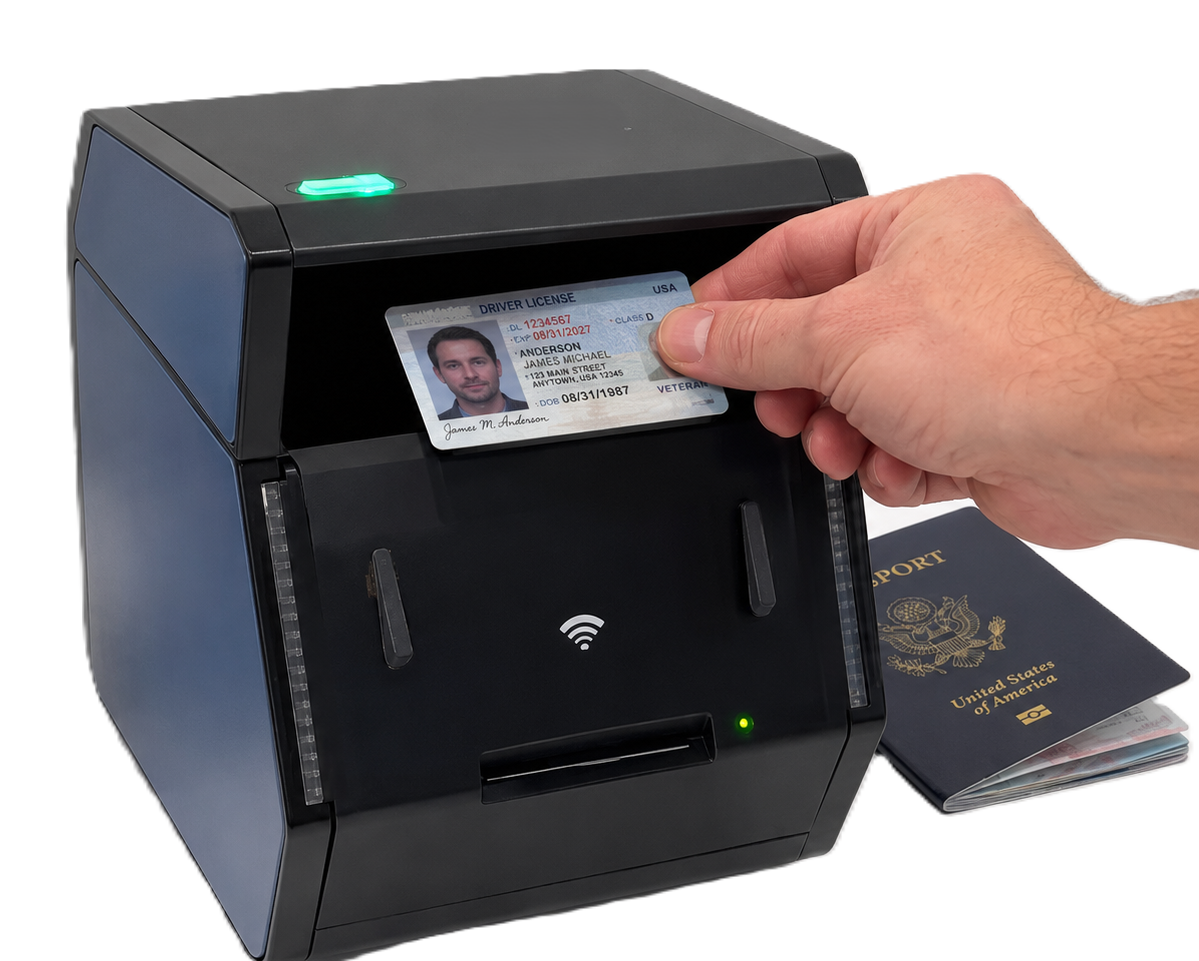
IDSnap GC2500e network-connected card and passport scanner

Start with the customer’s capture requirements

The right model follows three practical decisions. Establish these early and the product conversation becomes clearer for your sales team, technical team and customer.

  1. Identity card and passport document choices
    01

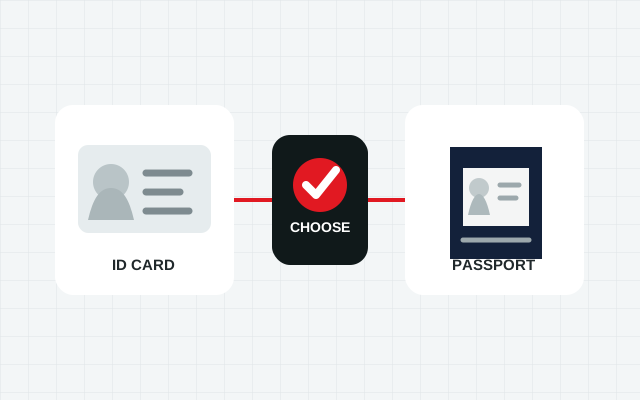
    Cards or passports?

    Choose a compact IDSnap model for supported ID-1 cards. Move to the GC2500 series when the workflow must also capture passport books.

    Document type defines the product family.
  2. Simplex and duplex identity-card capture choices
    02

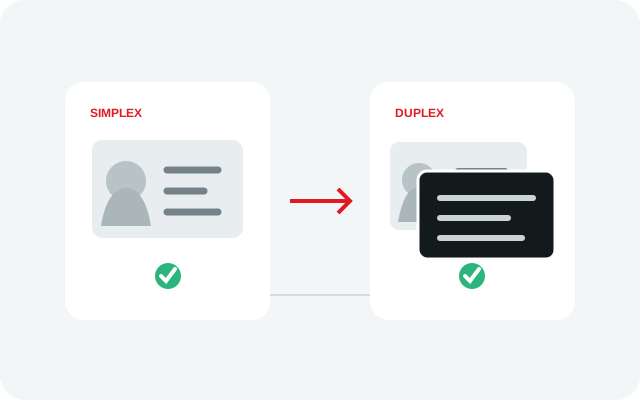
    One side or both?

    Match simplex, duplex or multi-light capture to the evidence the customer’s application needs to collect from each credential.

    Capture depth defines the device.
  3. Host-controlled and embedded network scanner choices
    03

    Workstation or network?

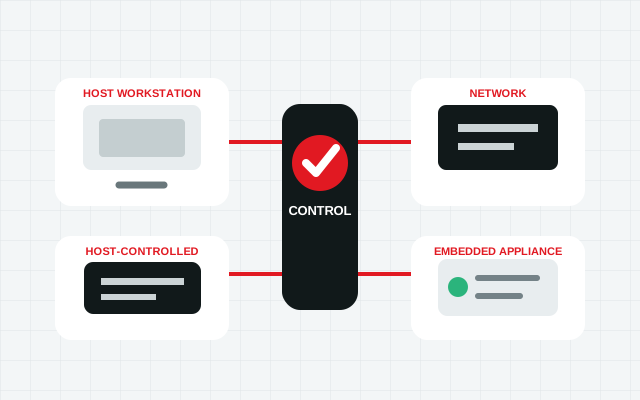
    Use a host-controlled model where an existing computer owns the workflow, or the GC2500e when embedded processing and network control are preferred.

    Architecture defines the deployment model.

A focused scanner range for different identity workflows

IDSnap gives distributors a clear path from compact card capture to deeper physical-document evidence and card-and-passport deployments.

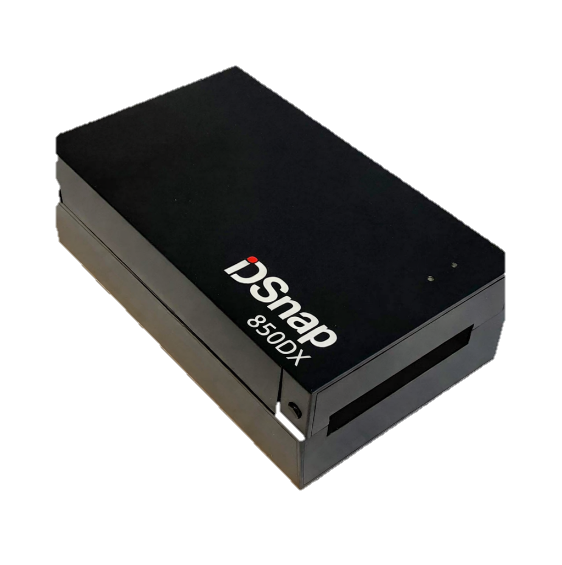
IDSnap 850DX duplex identity-card scanner
Fast card capture

Compact models for desks and kiosks

Position the IDSnap 2000 for simplex card capture or the 850DX when the customer needs paired front-and-back images in one action.

  • Small workstation footprint
  • USB host-controlled workflows
  • Purpose-built for ID-1 cards
Explore the scanner range
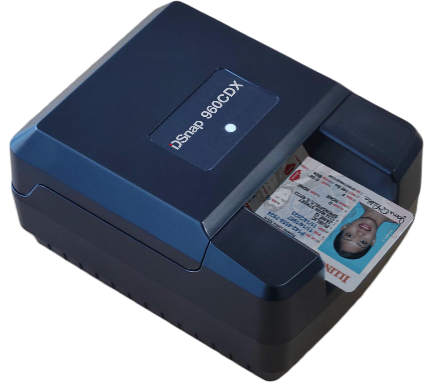
IDSnap 960CDX multi-light identity-card scanner
Deeper card evidence

Visible, ultraviolet and infrared capture

The 960CDX adds multi-light imaging and supported magnetic-stripe data for workflows that need more physical evidence from an ID card.

  • Simultaneous duplex imaging
  • Visible, UV and IR views
  • Supported ISO 7811 magnetic stripes
Explore IDSnap 960CDX
IDSnap GC2500e card and passport scanner
Cards and passports

GC2500 models for advanced capture

Choose the GC2500u for a host-controlled workstation or the GC2500e for embedded processing and network-connected capture.

  • ID cards and passport data pages
  • Multi-light document imaging
  • Two deployment architectures
Compare GC2500 models

Three ways distributors bring IDSnap to market

The hardware can be sold as a scanner, incorporated into a broader solution or standardized across repeatable customer deployments.

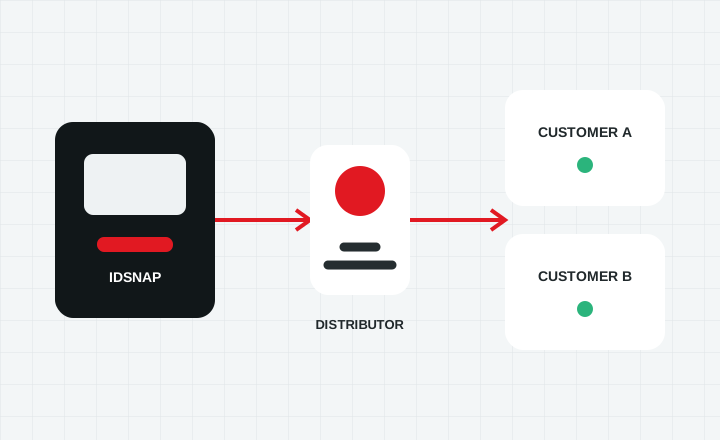
Distributor connecting IDSnap scanners with customer deployments
Distribution and resale

Add identity capture to your product portfolio

Supply IDSnap hardware alongside the software, implementation and support relationships your customers already rely on.

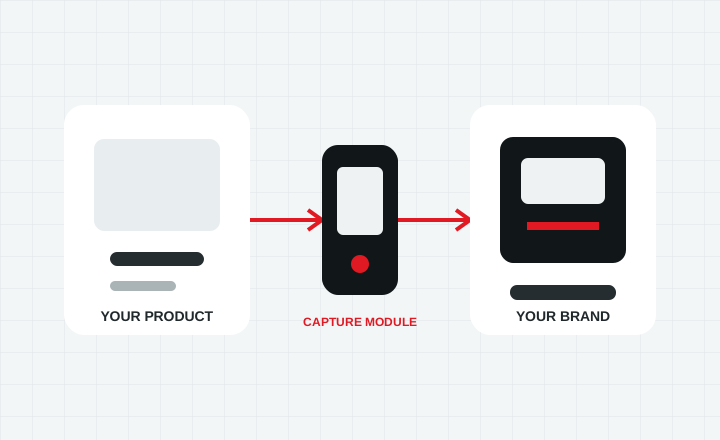
IDSnap capture hardware incorporated into an OEM solution
OEM and bundled solutions

Make capture part of the experience you deliver

Pair IDSnap hardware with your own application or solution so document presentation remains inside a workflow carrying your brand.

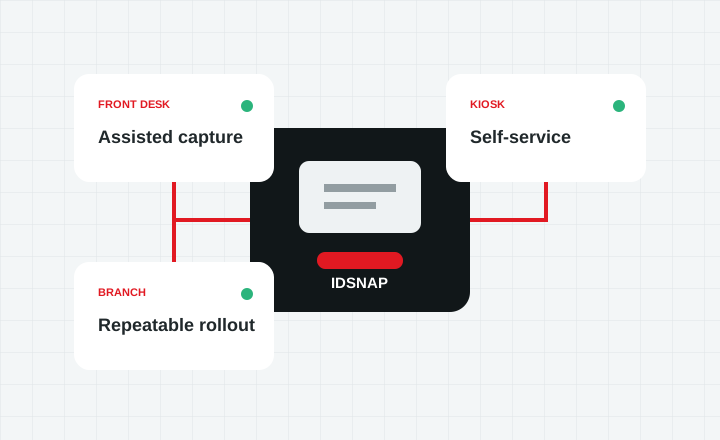
IDSnap scanners deployed across staffed desks, kiosks and branches
Repeatable deployments

Standardize hardware across customer locations

Use a consistent capture pattern across desks, kiosks, branches and other managed locations while the customer’s software retains control.

Software-led capture

Designed to fit the application around it

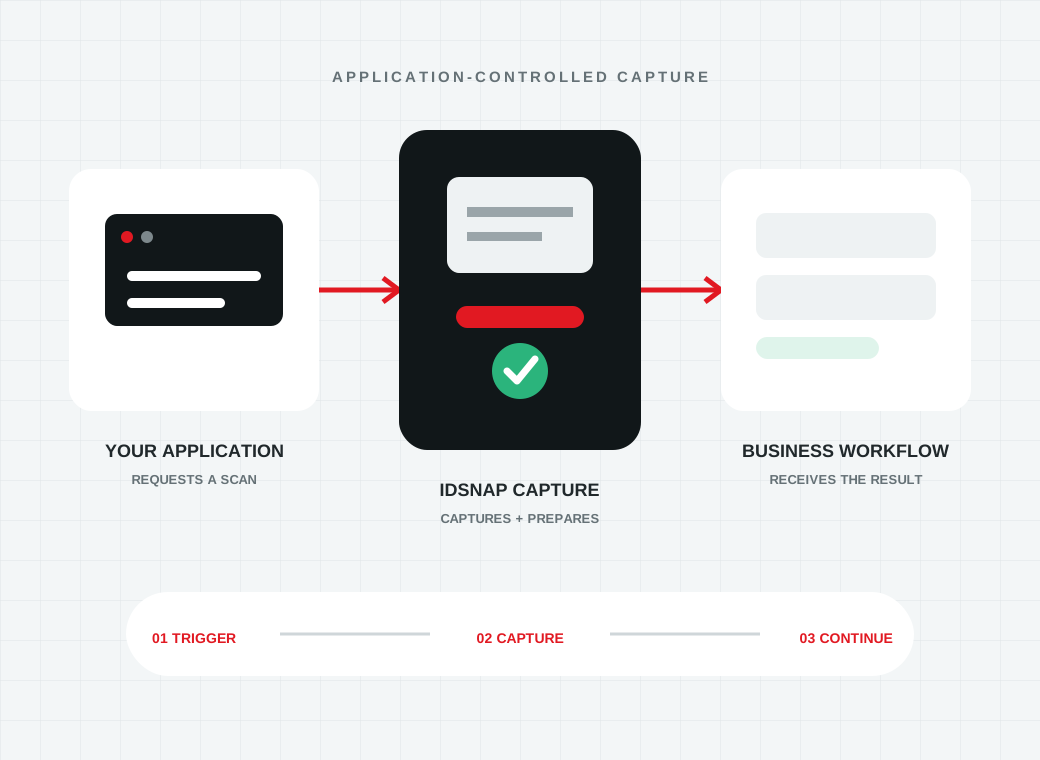
IDSnap is most valuable when the customer’s application decides when capture begins and what happens with the result.

That gives distributors and integrators room to deliver more than a peripheral. The scanner becomes a controlled document input within visitor management, hospitality, automotive, rental, banking, lending and other identity workflows.

  1. 01

    Define the document

    Confirm whether the deployment accepts cards, passport books or both.

  2. 02

    Map the environment

    Identify the workstation, kiosk, branch or network architecture that will control capture.

  3. 03

    Connect the workflow

    Determine which images, data or enabled APX-Verify results the customer application needs returned.

Review integration options
Customer software initiating an IDSnap scan and receiving the capture result

Interested in distributing IDSnap?

Tell us about your company, the markets you serve, the documents your customers need to capture and the types of deployments you support.