
Self-service guidance
Knowledge base
Review scanner-selection guidance, product concepts and answers to common questions before opening a support request.
Browse articles
Start with open documentation for setup and integration, or use the customer portal for help with a device you own. Providing the model, environment and symptoms up front helps the support team resolve issues faster.
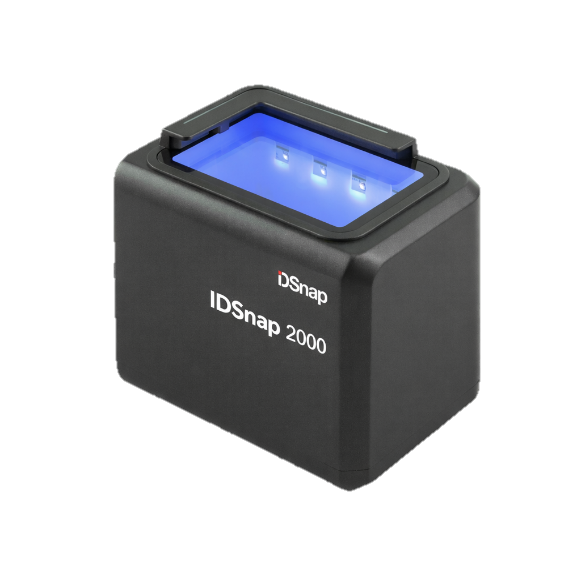 Compact
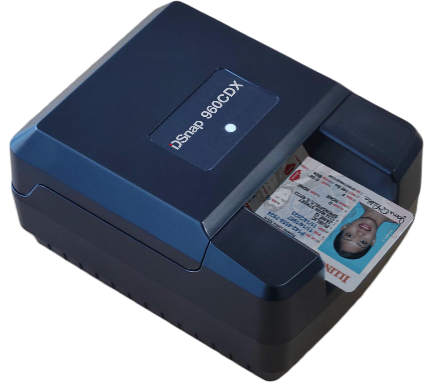 Multi-light
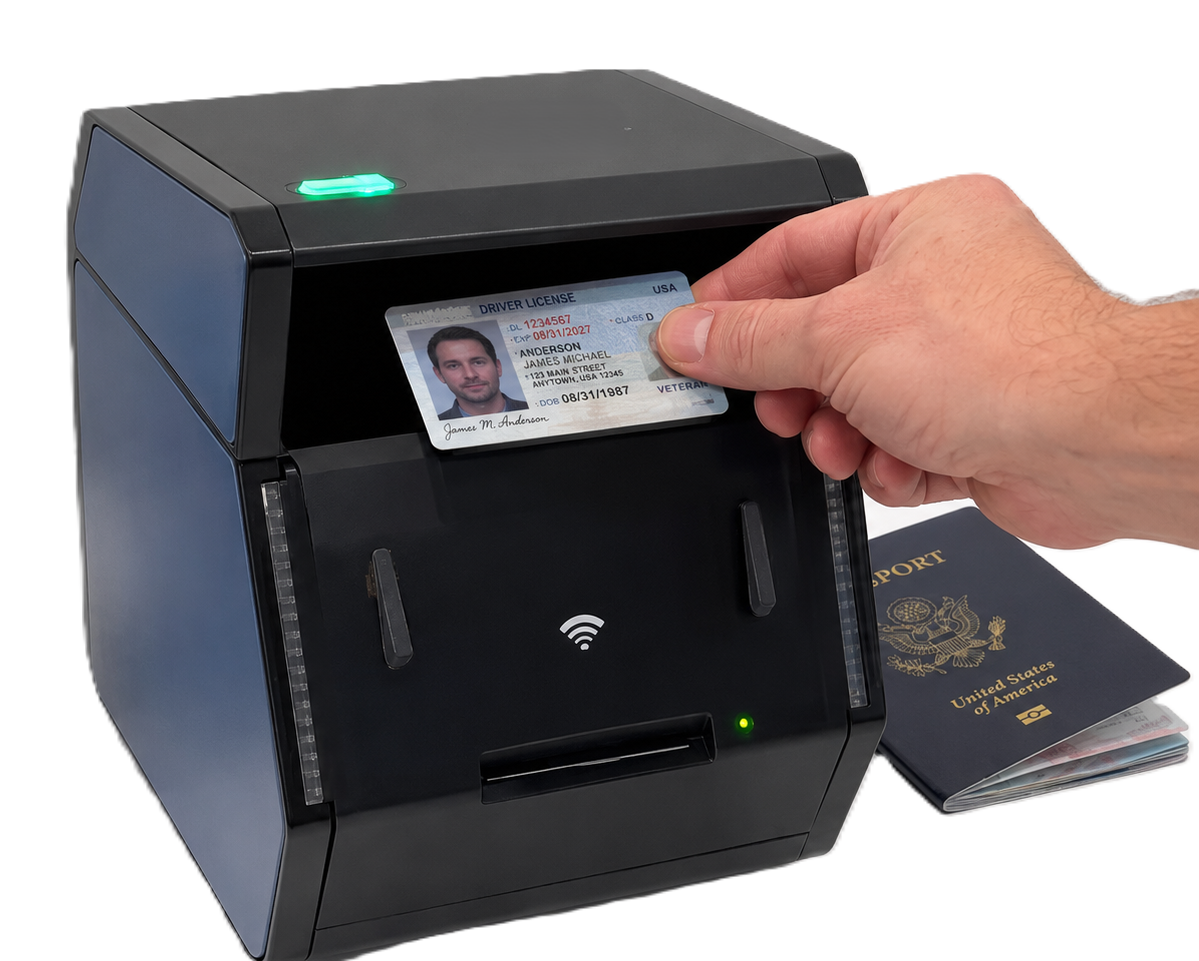 Embedded
Use self-service resources for product and integration guidance. Customers with an installed scanner can use the portal for device-specific assistance.
Review scanner-selection guidance, product concepts and answers to common questions before opening a support request.
Browse articles
Use the customer portal for help with an IDSnap scanner you own, including setup questions, unexpected behaviour and service needs.
Go to the portal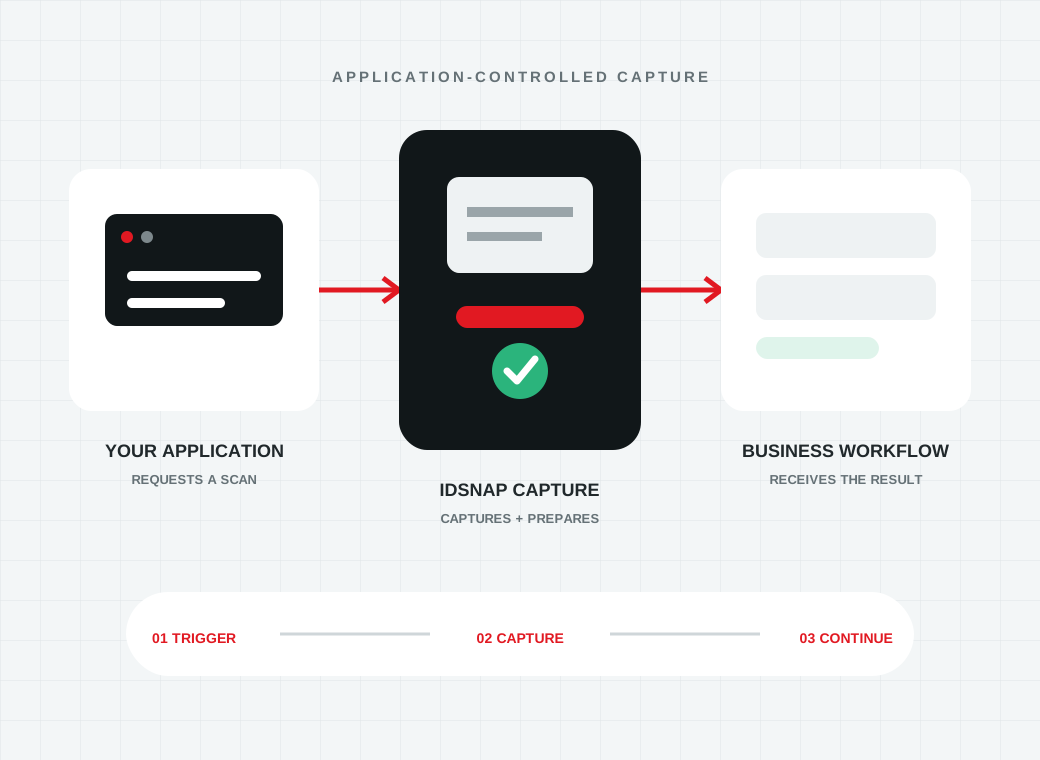
Understand host-controlled and embedded device models, remote initiation and how captured evidence returns to your application.
Explore integrationContact support with the scanner model, serial information and a description of the issue so coverage and next steps can be reviewed.
Contact IDSnapA good support request gives the team enough context to reproduce the problem and distinguish device, connection and application behaviour.
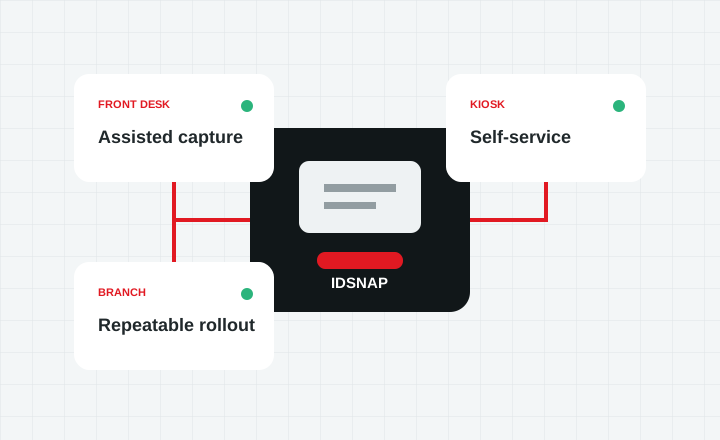
Include the model, serial number, connection type and whether the device is used at a workstation, counter, branch or kiosk.
Explain the expected result, what happened instead and whether the issue began after a software, network or workstation change.
Add error text, diagnostic results and clear steps to reproduce the problem. Do not send identity documents or personal data unless support specifically requests an approved secure method.
Identity capture depends on more than the scanner alone. Support information is easier to act on when the device, host, network and application are considered together.
Power, sensors, document positioning, image capture and the visible, UV, IR or transmitted-light views supported by the model.
USB, workstation, LAN, Wi-Fi, discovery and embedded-appliance configuration depending on the selected scanner.
The software step that initiates capture, receives the images and sends enabled results into the business process.
Data extraction and authentication capabilities depend on the corresponding Acupixel software package and licence.
Customers can continue through the portal. For product selection or a new deployment, contact the IDSnap team.