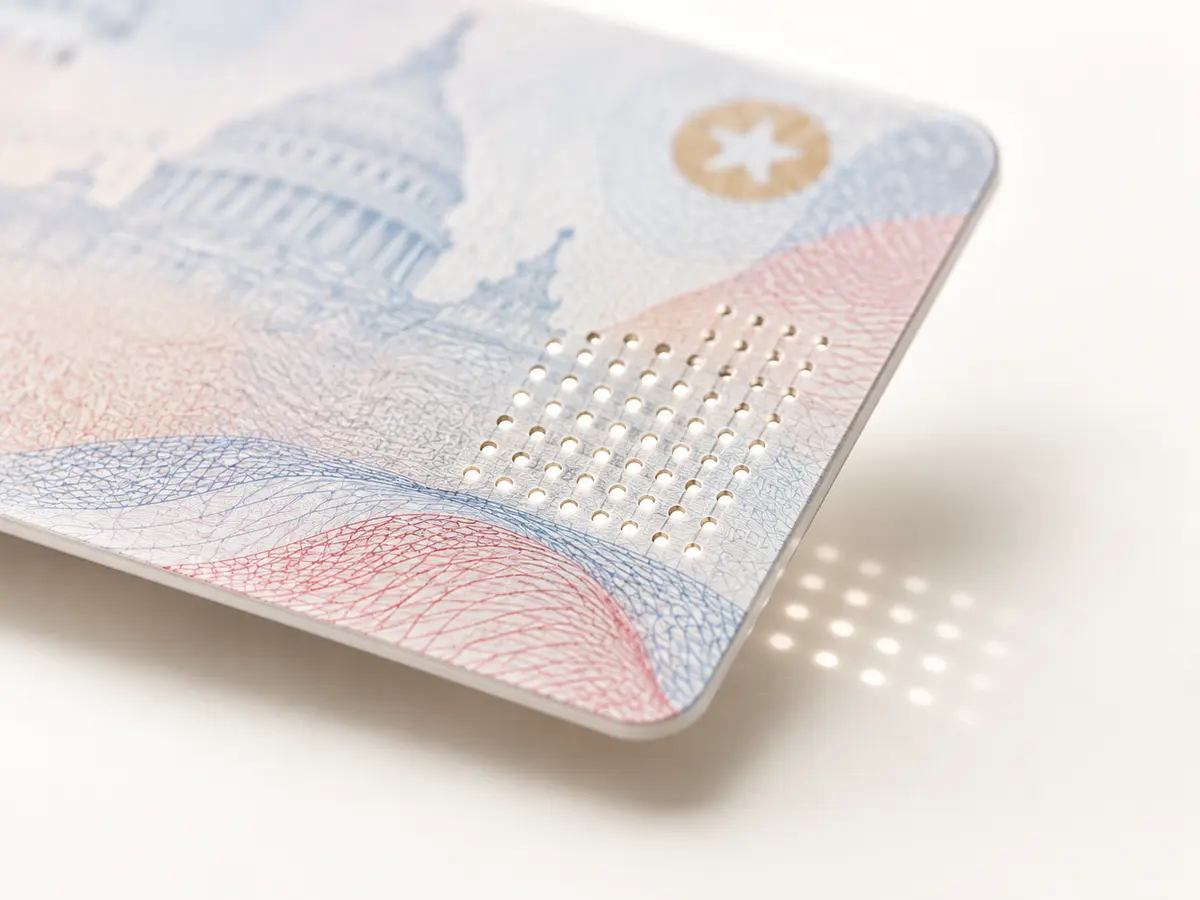
Physical structure
Light-passthrough inspection
Capture transmitted-light evidence that can support inspection of micro laser perforation and other supported physical features.

The GC2500u is the premium USB model for organisations that already control the Windows workstation or kiosk computer. It combines simultaneous duplex card capture, passport capture and advanced optical imaging with Acupixel OCR and document-authentication software.
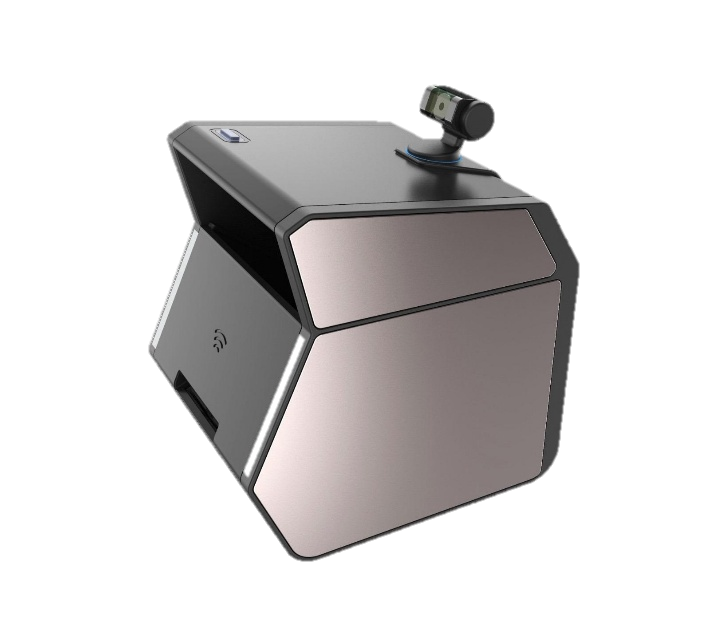
| Input | An ID-1 card or a passport book, presented to the scanner at a workstation or a network-connected scan station. |
|---|---|
| Output | For an ID card: duplex images of front and back, captured simultaneously with no need to flip it, under visible, UV, IR and light-passthrough illumination. For a passport: the photo data page only. Delivered over USB or the network. |
| Host model | USB-connected Windows host required; unlike the GC2500e, it is not a standalone embedded appliance. |
| Delivery | Hardware with local SDK or customer-application integration |
| Requires package | APX-ADV |
| SKU | IDSNAP-GC2500U |
Document reading and authentication results are delivered by APX-Verify. Capability follows the licence, not the device: the checks described on this page require the corresponding APX-Verify licence.
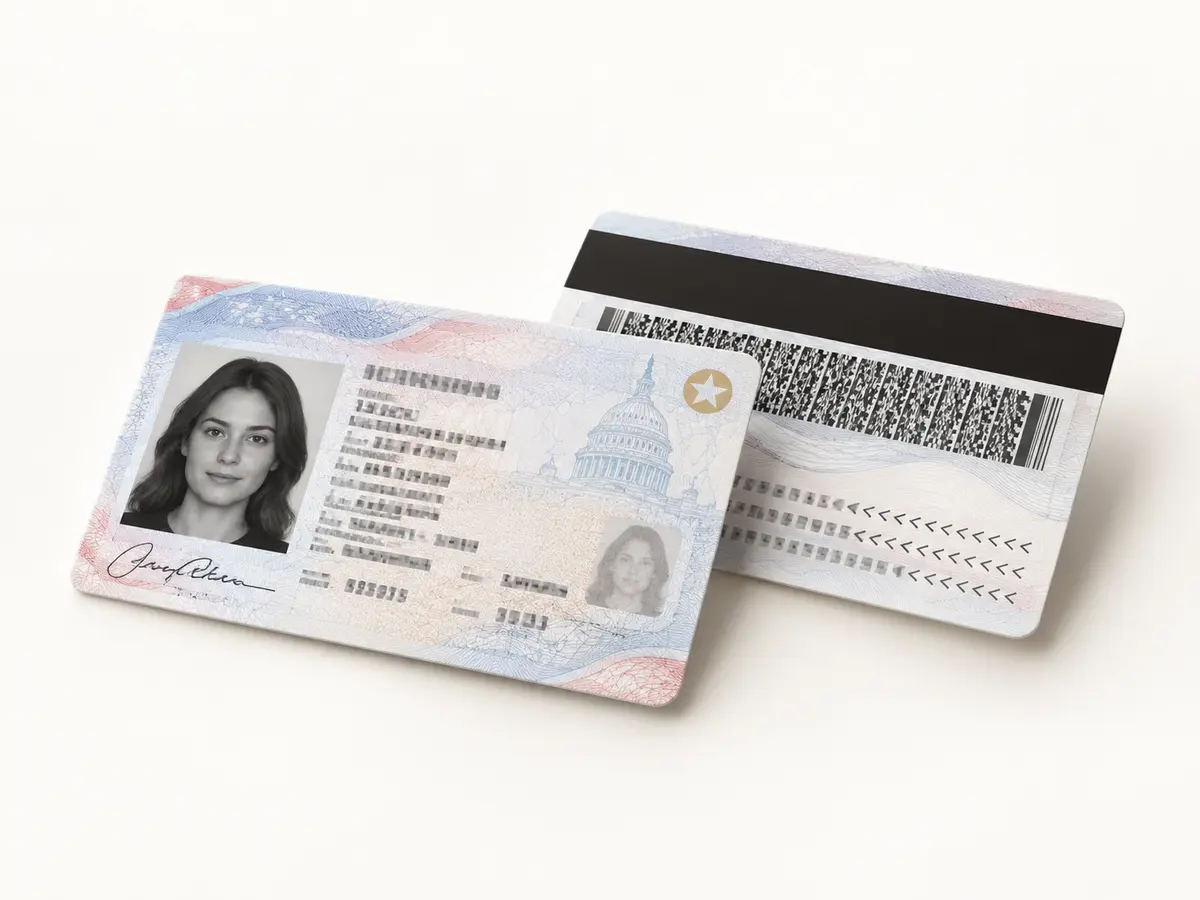
The GC2500u captures the front and back of an ID-1 card in the same event while the connected host application controls the workflow. Operators do not need to scan one side, turn the card over and repeat the process.
One presentation replaces a manual scan-and-flip sequence at attended desks and host-controlled kiosks.
Front and back images remain associated from capture, giving the application a predictable document set.
Capture the passport photo data page without spending time imaging the blank back cover.
Keep device control and downstream image handling inside the Windows workstation environment your organisation already manages.
The GC2500u gives an existing workstation or kiosk application a purpose-built source for consistent card and passport images.
Capture transmitted-light evidence that can support inspection of micro laser perforation and other supported physical features.
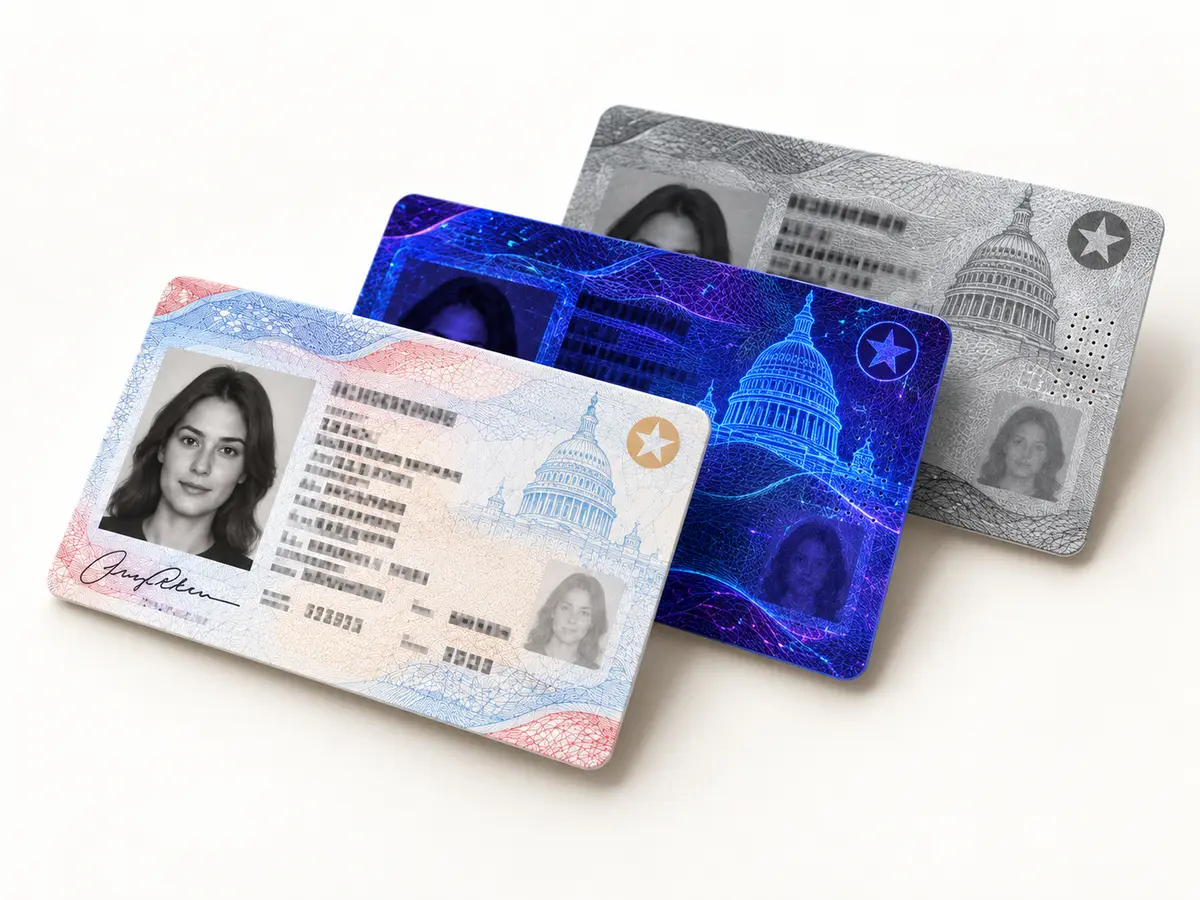
Create separate views for OCR, visual review and software-assisted inspection of supported security responses.
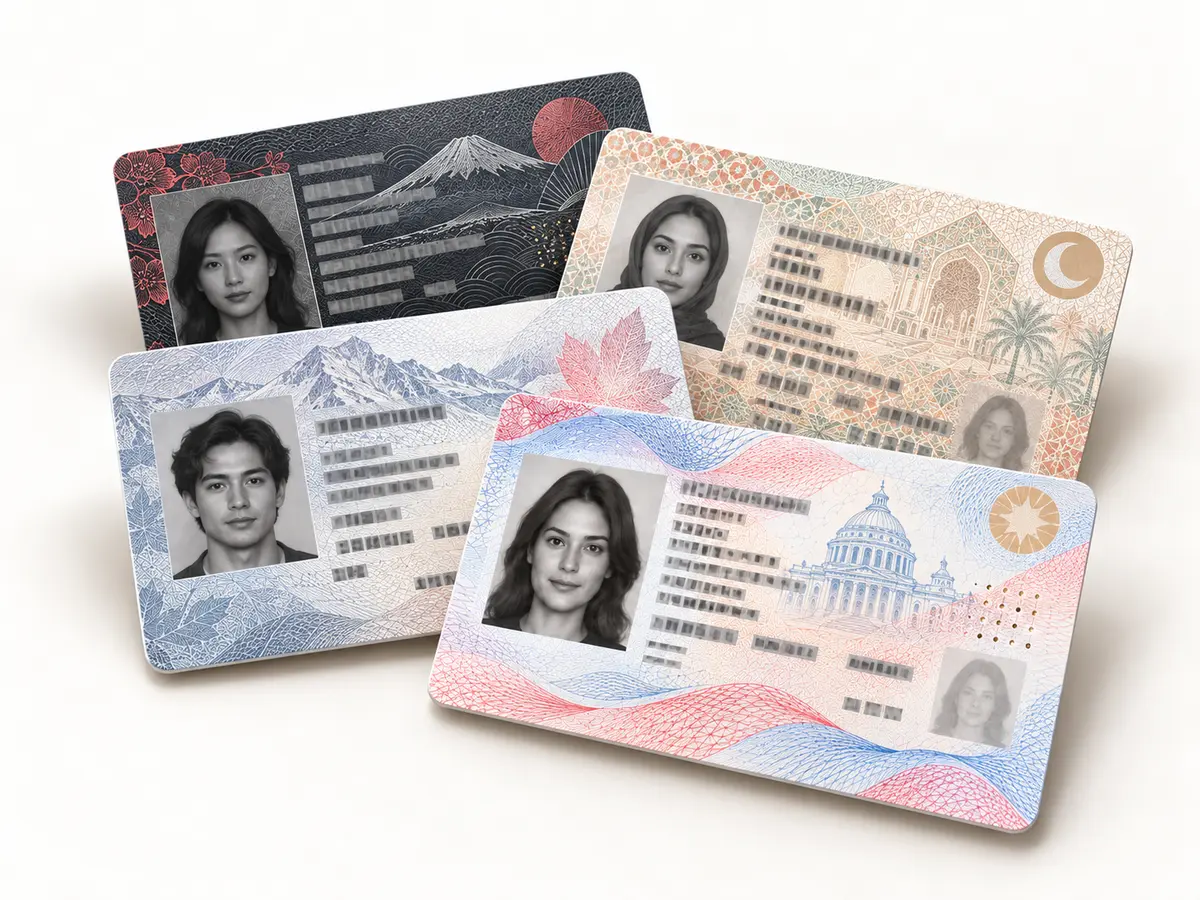
Preserve the full layout so enabled software can recognise the document format and locate expected data fields.
Use the Windows host already deployed at the desk, security station or kiosk instead of adding embedded compute inside the scanner.
Connect the GC2500u to a managed Windows workstation or kiosk and keep the full operator experience inside your application.
Built-in visible, ultraviolet and infrared illumination produces controlled views for extraction, review and supported validation workflows.
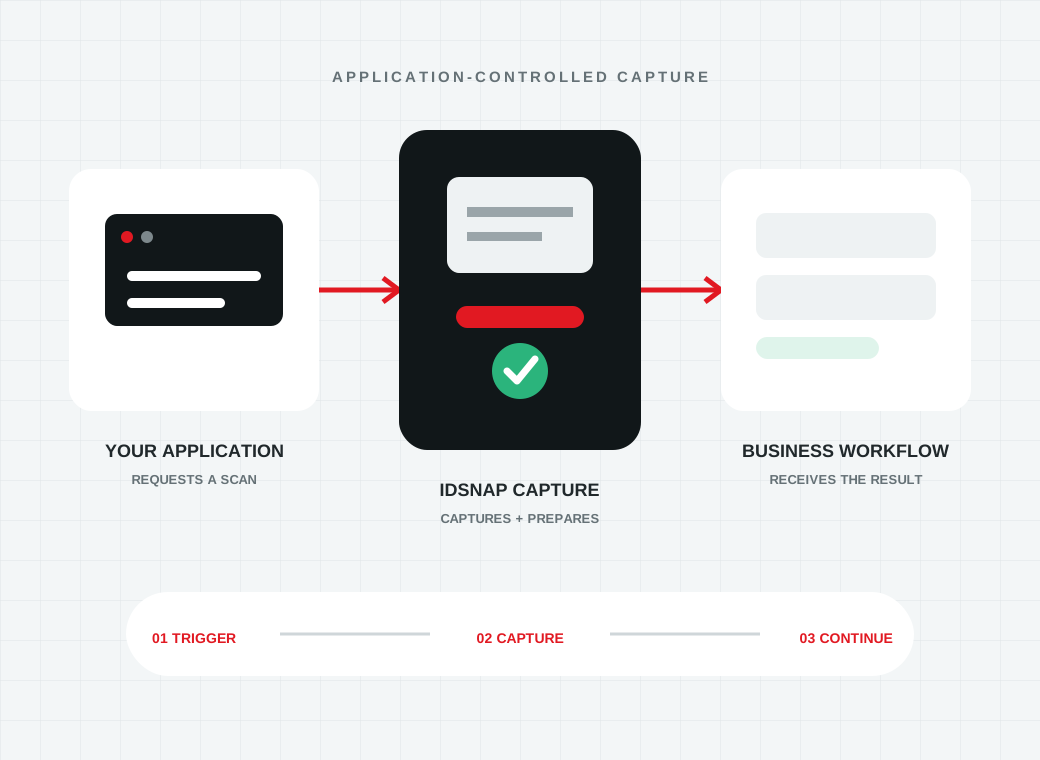
The workstation application decides when to scan, receives the required image set and keeps business rules and downstream handling in one place.
The GC2500u and GC2500e share the same controlled imaging foundation. Choose between them based on where device control and compute should live.
Use the Windows workstation or kiosk computer already deployed at the location to control capture and image handling.
Use a standalone network-connected scanner when you do not want a dedicated Windows PC at every scan station.
Both models support simultaneous duplex card capture, passport-page imaging and multi-light evidence for enabled Acupixel workflows.
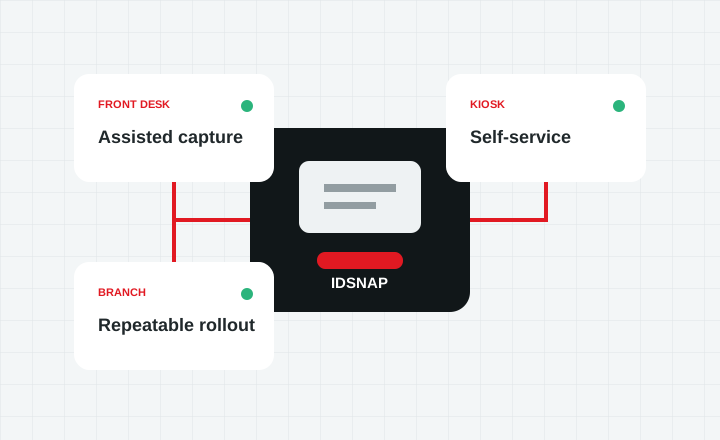
The key difference is deployment architecture.
| Feature | GC2500u | GC2500e |
|---|---|---|
| Host requirement | External Windows host required | No dedicated PC required |
| Primary deployment | Workstation, reception desk, security desk or PC-based kiosk | Network, branch, cloud-connected or unattended deployment |
| Embedded processing | No | Yes |
| Standalone server mode | No | Yes |
The GC2500u is designed for environments where a Windows application already owns the operator experience, business rules and downstream data flow.
Let the workstation or kiosk application decide when to capture after the operator or customer presents a card or passport.
Collect the relevant front, back and multi-light views through the supported local integration.
Send the captured evidence to APX-Verify or the customer’s own backend for reading, authentication, onboarding or record creation.
Choose the GC2500u when a managed workstation or Windows-based kiosk is already part of the operating environment.
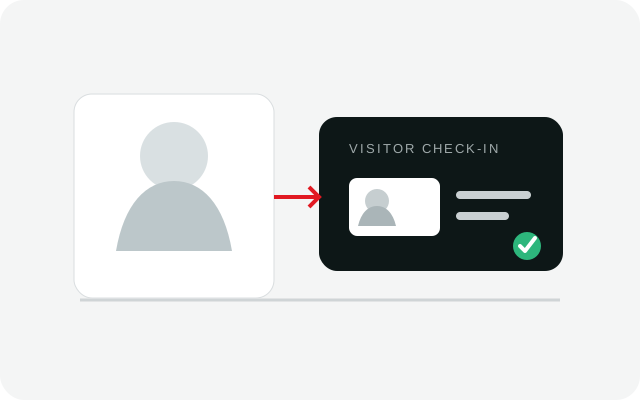
Add controlled card and passport capture to an attended visitor-management or access-control workstation.
Explore visitor management
Connect passport and ID capture to the Windows workstation already running the property’s check-in process.
Explore hospitality
Supply existing account-opening and lending applications with consistent document images and supported physical evidence.
Explore financial services
Embed capture inside a Windows application or kiosk where the host computer controls the complete user experience.
Explore integrationWe can help map your document types, host environment and authentication requirements to the correct device and APX-Verify licence.