
Same imaging. Two ways to deploy.
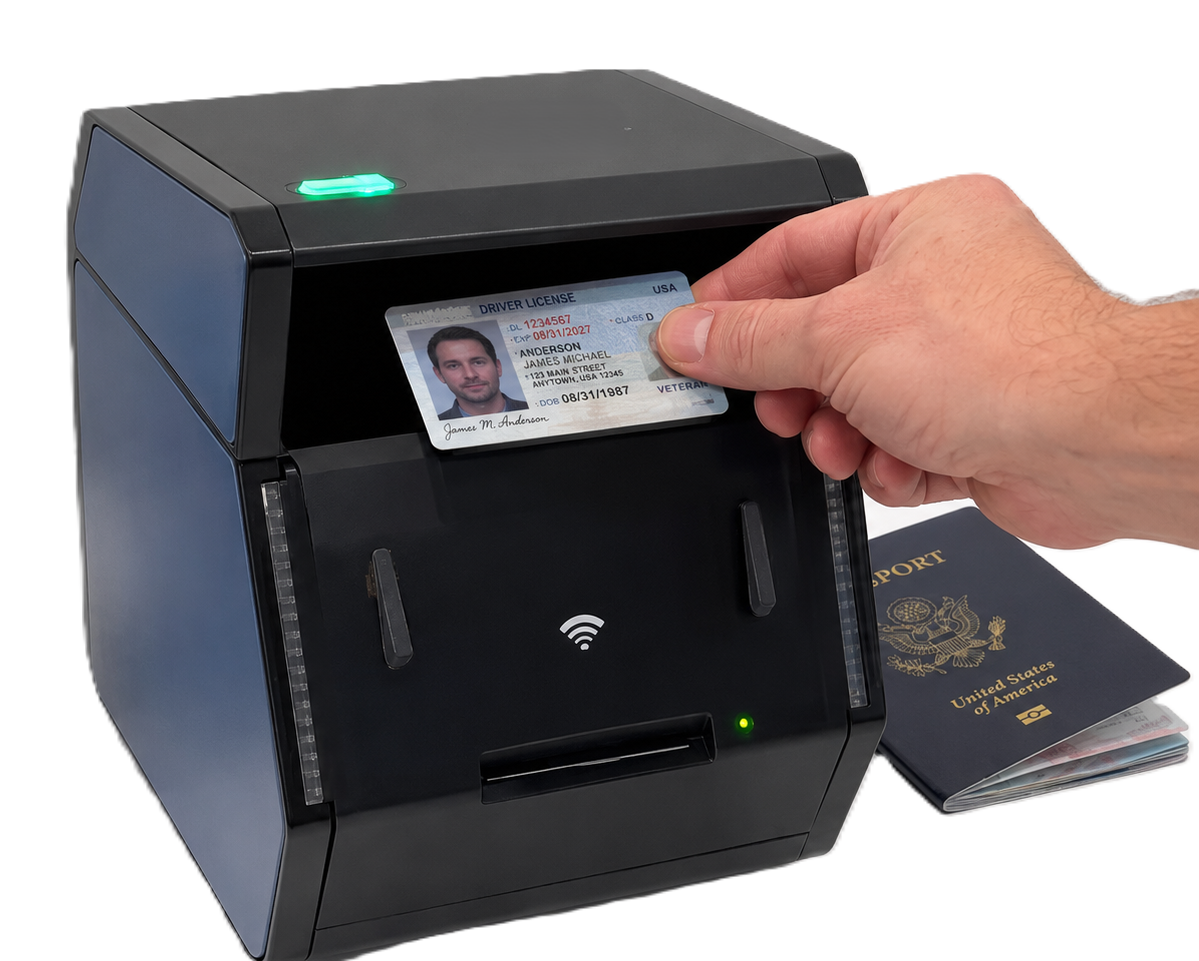
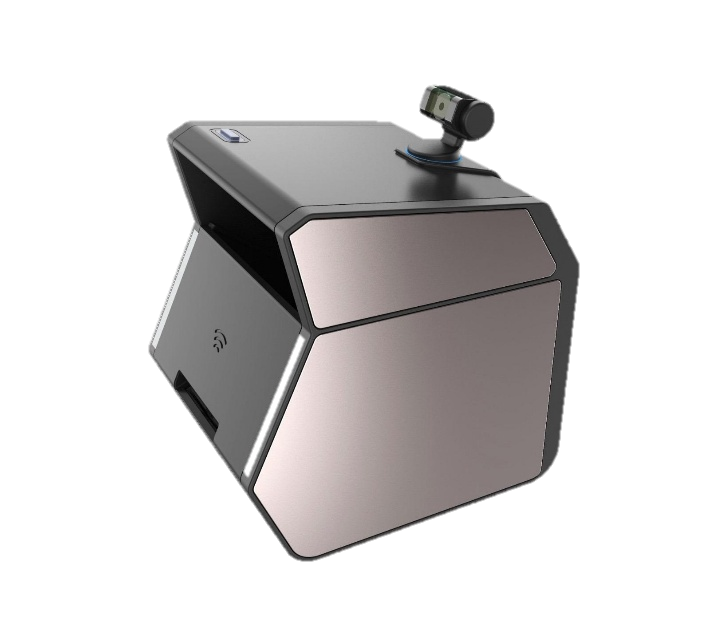
Both scanners capture IDs and passports with the same advanced imaging capabilities. Choose the GC2500e for a self-contained network appliance, or the GC2500u when a Windows workstation is already part of your workflow.
- GC2500eNo dedicated PC
- GC2500uUSB or network connection
Feature comparison
| Feature | GC2500u | GC2500e |
|---|---|---|
| Driver's licence / ID card capture | Yes | Yes |
| Passport capture | Yes | Yes |
| Duplex ID capture | Yes | Yes |
| Visible image capture | Yes | Yes |
| UV image capture | Yes | Yes |
| IR image capture | Yes | Yes |
| Barcode / PDF417 support | Yes | Yes |
| MRZ passport support | Yes | Yes |
| Requires Windows PC | Only over USB; not over the network | No dedicated PC required |
| Embedded processing | No | Yes |
| Browser-based setup | Limited | Yes |
| Wi-Fi / LAN configuration | Yes | Yes |
| Standalone server mode | No | Yes |
| Remote scan initiation | Limited | Yes |
| Built-in diagnostic mode | Limited | Yes |
| Enterprise multi-location deployment | Good | Excellent |
| Kiosk / self-service deployment | Good with USB or network | Excellent |
Document reading and authentication results require the corresponding APX-Verify licence.
Light-passthrough imaging
Both devices support light-passthrough imaging, which detects and validates micro laser perforation, with the corresponding APX-Verify licence.
IDSnap GC2500e
The GC2500e is an embedded, network-connected identity capture appliance. It is configured from a browser, discovered on the LAN, triggered from your own software, and it does not need a dedicated Windows PC at every scan station.
Input An ID-1 card or a passport book, presented to the scanner by a person at a counter, a kiosk or a branch desk.
Output For an ID card: duplex images of front and back, captured simultaneously with no need to flip it, under visible, UV, IR and light-passthrough illumination. For a passport: the photo data page, plus any RFID or chip data. The blank back cover is not captured. Delivered to the APX-Verify cloud service or to the customer's own backend.IDSnap GC2500u
The GC2500u shares its imaging engine with the GC2500e: simultaneous duplex card capture with no need to flip it, light-passthrough, multi-light security validation, template detection and chip reading. The difference is deployment: it connects via USB to a PC, or over the network, rather than running as the GC2500e's standalone embedded appliance.
Input An ID-1 card or a passport book, presented to the scanner at a workstation or a network-connected scan station.
Output For an ID card: duplex images of front and back, captured simultaneously with no need to flip it, under visible, UV, IR and light-passthrough illumination. For a passport: the photo data page only. Delivered over USB or the network.
Which GC2500 model fits your deployment?
Tell us where the scanner will be installed, how it will connect and whether a dedicated workstation is available.