Software-led identity capture

Drive the scanner from the application you already run.

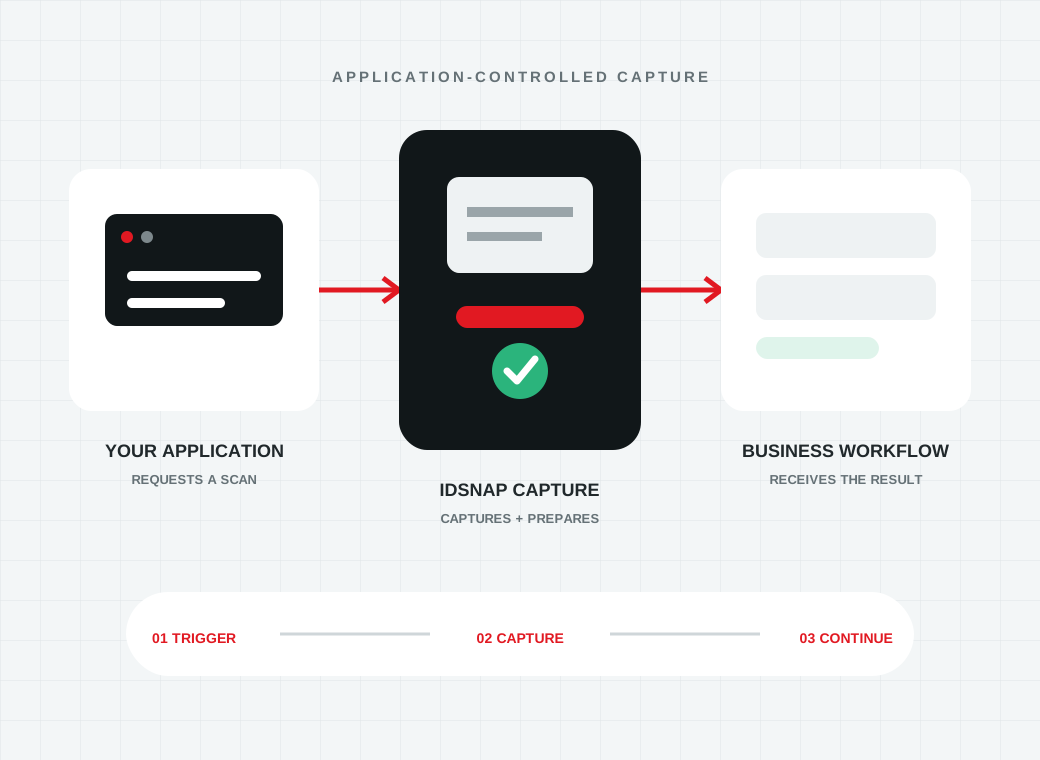
IDSnap hardware is designed to become part of your workflow instead of a separate utility beside it. Your software decides when capture begins, receives the required images and continues the business process with the document still in context.

Application software initiating an IDSnap capture and receiving the resulting identity data
From trigger to result

Keep identity capture inside one controlled experience

The operator or customer should not have to leave the application that owns the workflow. IDSnap lets that application coordinate document presentation, image capture and downstream processing.

Your software remains responsible for the user experience, accepted documents, business rules and final action. The scanner provides a consistent image source, while enabled Acupixel services can add data extraction or document-authentication results when the corresponding licence is present.

  1. 01

    Request capture

    Trigger the device at the correct step in a desktop, kiosk, branch or cloud-connected process.

  2. 02

    Collect controlled evidence

    Receive the supported front, back, passport-page and multi-light images required by the workflow.

  3. 03

    Continue the business process

    Return images or enabled results to the customer record, check-in, onboarding or verification flow that initiated the scan.

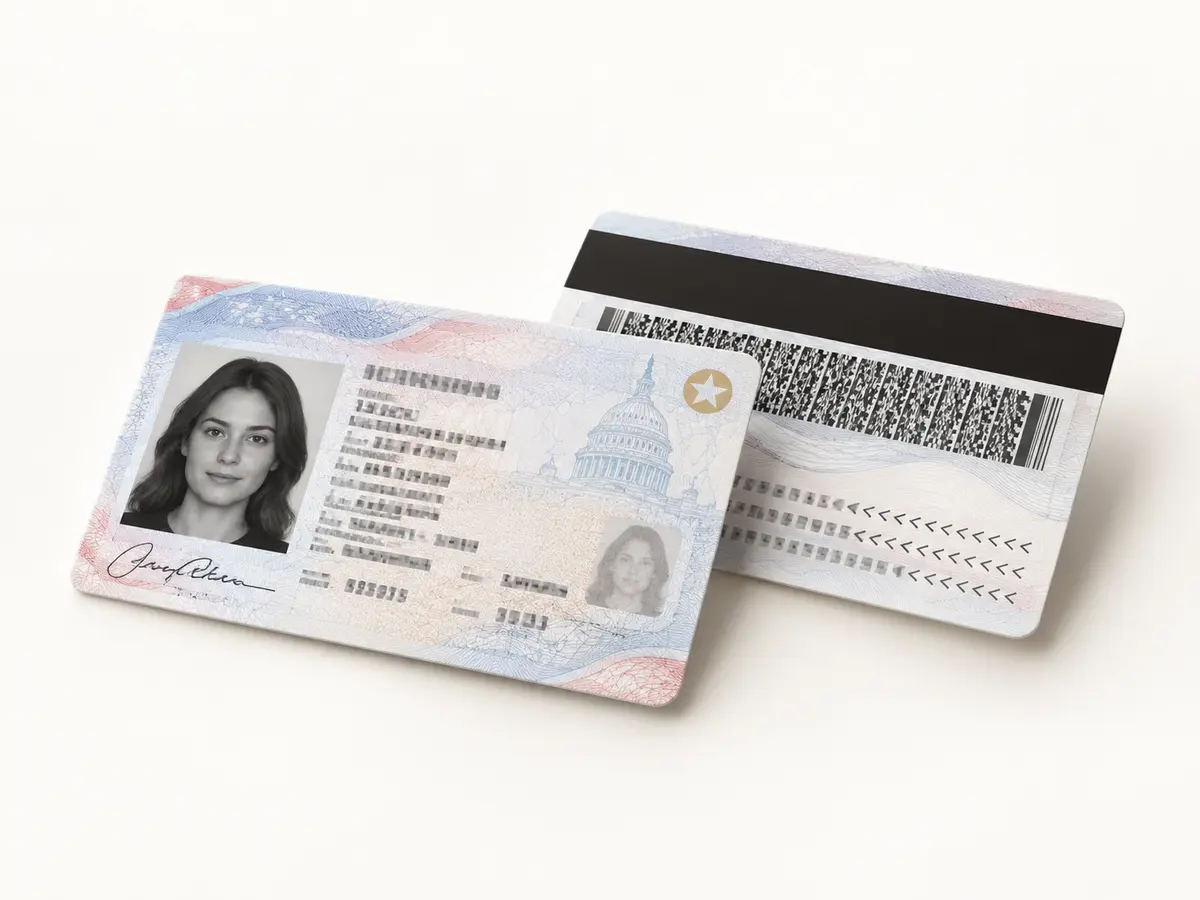
Front and back of an identity card captured together for a software workflow

Choose where device control should live

The integration model follows the scanner. Select a host-controlled device when a managed workstation already owns the station, or choose the GC2500e when you want embedded processing and network control at the edge.

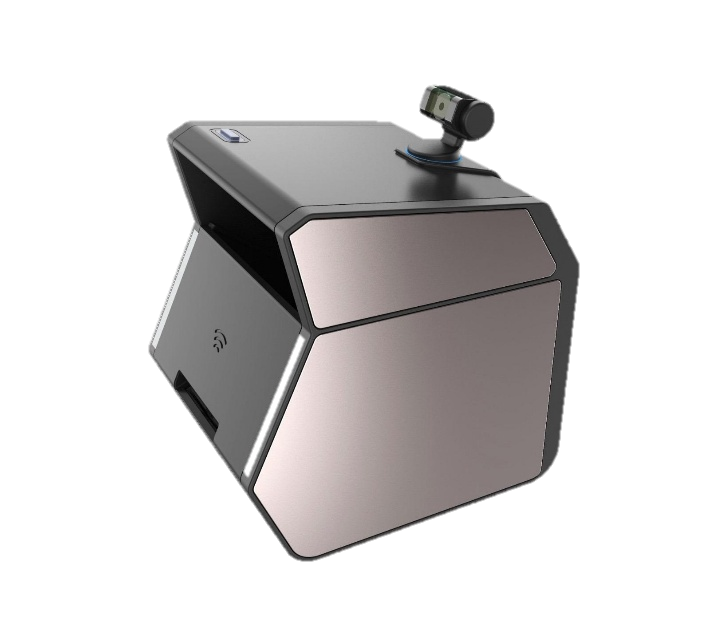
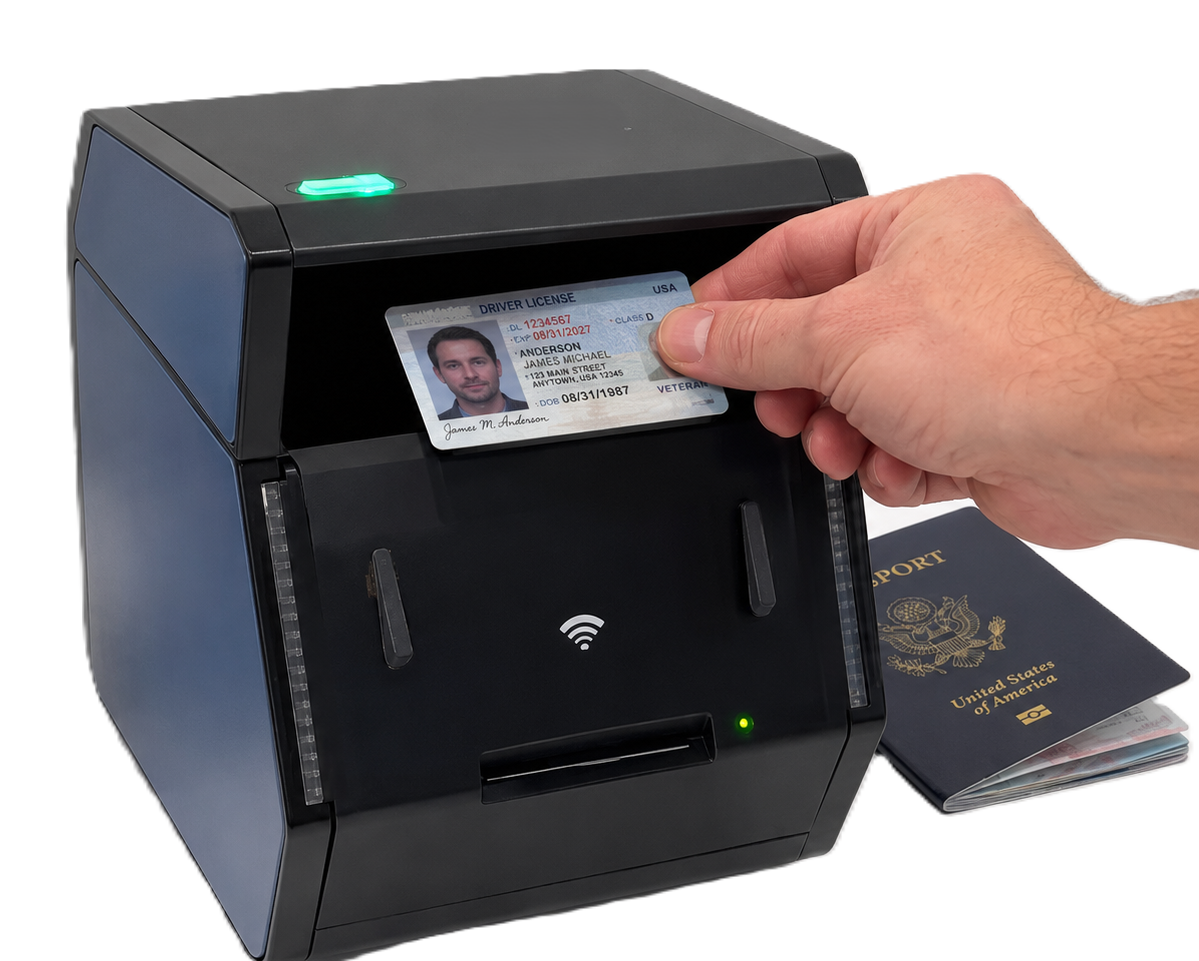
IDSnap GC2500u host-controlled card and passport scanner
Host-controlled

Use the workstation already at the desk

The GC2500u and USB card scanners fit applications where a local computer controls the device and receives the captured images.

  • Appropriate for attended desks and PC-based kiosks
  • Keeps device control in the local application
  • Supports modular card or card-and-passport workflows
Explore GC2500u
IDSnap GC2500e embedded network card and passport scanner
Embedded appliance

Initiate capture across the network

The GC2500e places processing in the scanner so web, branch and cloud-connected applications can control capture without a dedicated Windows PC at every station.

  • Browser-based configuration and device discovery
  • API key registration and remote scan initiation
  • Designed for branches, kiosks and centrally managed deployments
Explore GC2500e

Integration resources

Start with the architecture overview, move to the remote-scan request and review how captured information is handled.

Software-to-scanner API workflow
Architecture

APX-Verify API overview

Understand authentication, keys, request structure and how the API fits behind an identity workflow.

Read the overview
Network identity scanner deployment
Device control

Initiate a remote scan

Review the request parameters used to start capture on an authorised network-connected scanner.

View the request
Identity document captured under controlled illumination
Secure processing

How document data is handled

Learn how Acupixel designs its APIs and cloud workflow to protect captured images and extracted information during processing.

Review data handling

Planning a deployment?

Tell us what you need to scan, where, and at what scale.