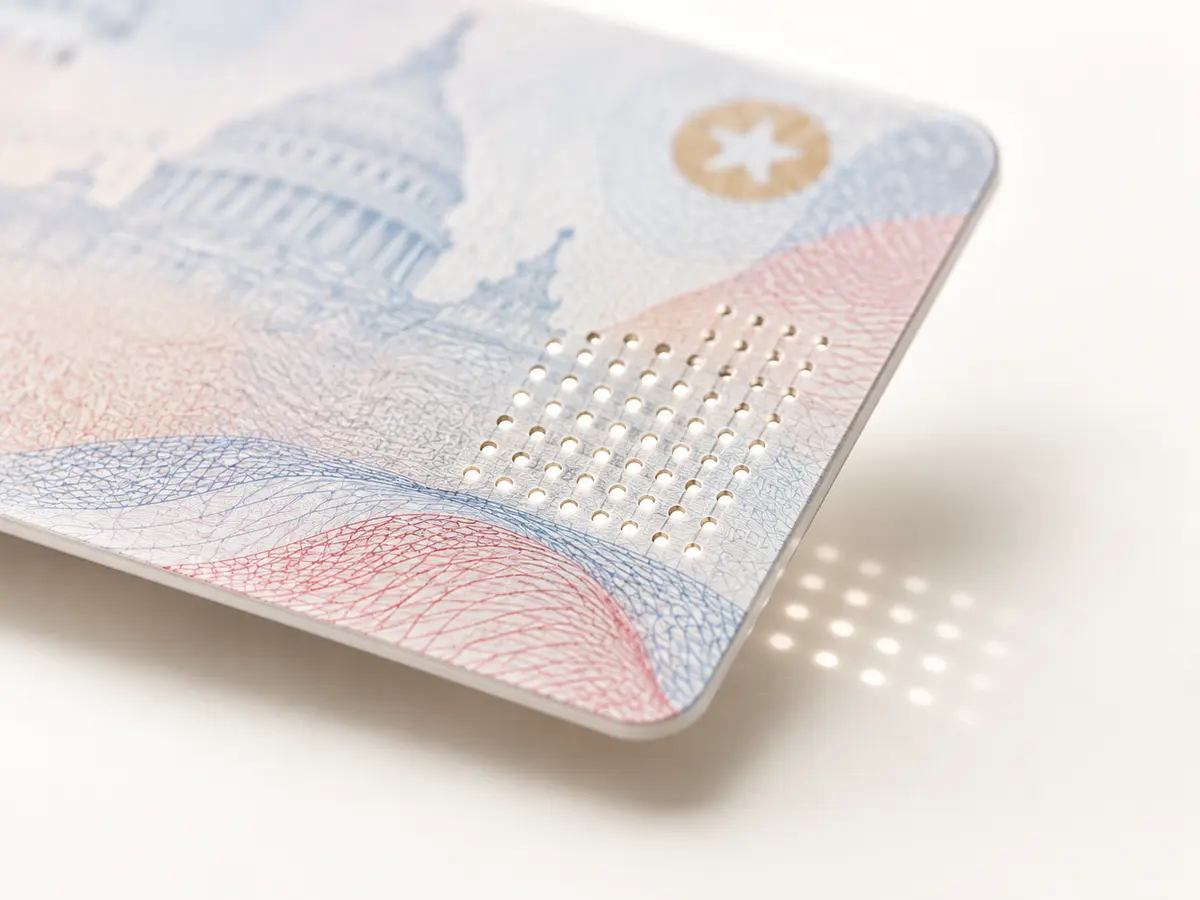
Physical structure
Light-passthrough inspection
Capture transmitted-light evidence that can support validation of micro laser perforation and other supported physical card features.

The GC2500e is an embedded, network-connected identity capture appliance. It is configured from a browser, discovered on the LAN, triggered from your own software, and it does not need a dedicated Windows PC at every scan station.
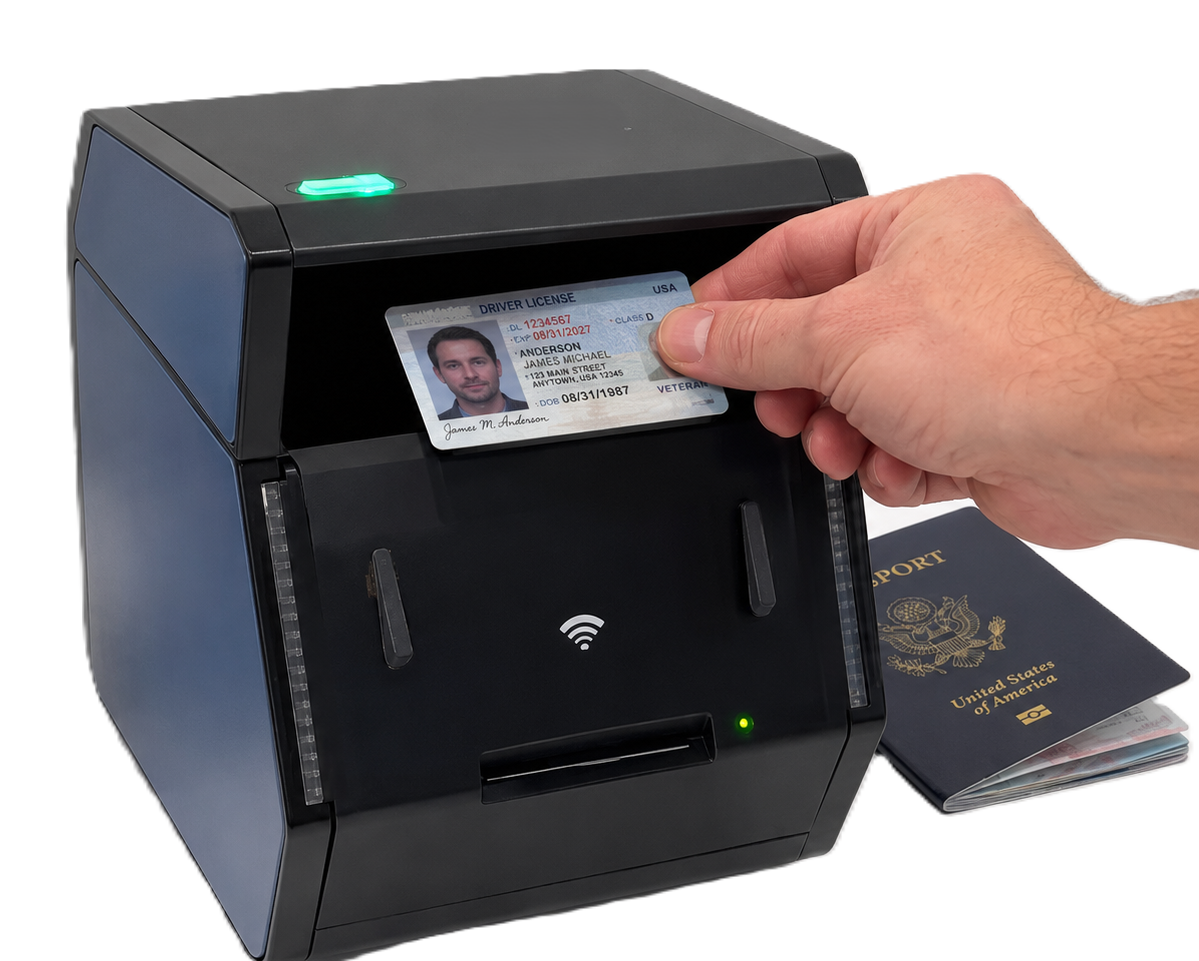
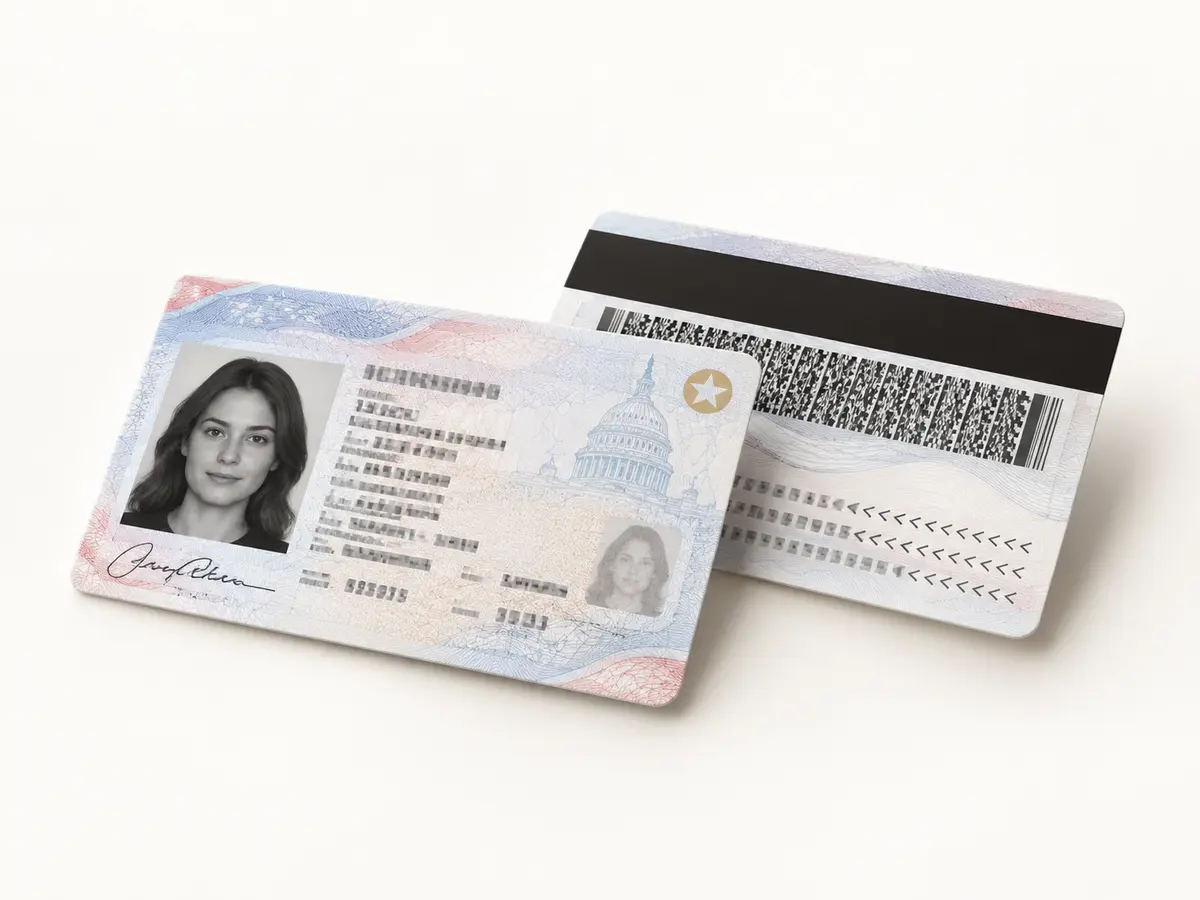
The GC2500e captures the front and back of an ID-1 card at the same time. The operator presents the card once, the scanner controls the lighting and orientation, and the workflow receives a consistent image set without a second manual step.
One presentation replaces the familiar scan, flip and rescan routine, helping attended counters and self-service stations move faster.
Front and back images are captured in the same event, making it easier for the host application to keep both sides together.
Visible, ultraviolet, infrared and light-passthrough views support data reading and document inspection with the corresponding APX-Verify licence.
For passport books, the GC2500e captures the photo data page and can read supported RFID chip data; the blank back cover does not need to be scanned.
| Input | An ID-1 card or a passport book, presented to the scanner by a person at a counter, a kiosk or a branch desk. |
|---|---|
| Output | For an ID card: duplex images of front and back, captured simultaneously with no need to flip it, under visible, UV, IR and light-passthrough illumination. For a passport: the photo data page, plus any RFID or chip data. The blank back cover is not captured. Delivered to the APX-Verify cloud service or to the customer's own backend. |
| Delivery | Hardware |
| Requires package | APX-ADV |
| SKU | IDSNAP-GC2500E |
Document reading and authentication results are delivered by APX-Verify. Capability follows the licence, not the device: the checks described on this page require the corresponding APX-Verify licence.
The embedded platform combines document imaging, device management and network connectivity in one purpose-built appliance.
Capture transmitted-light evidence that can support validation of micro laser perforation and other supported physical card features.
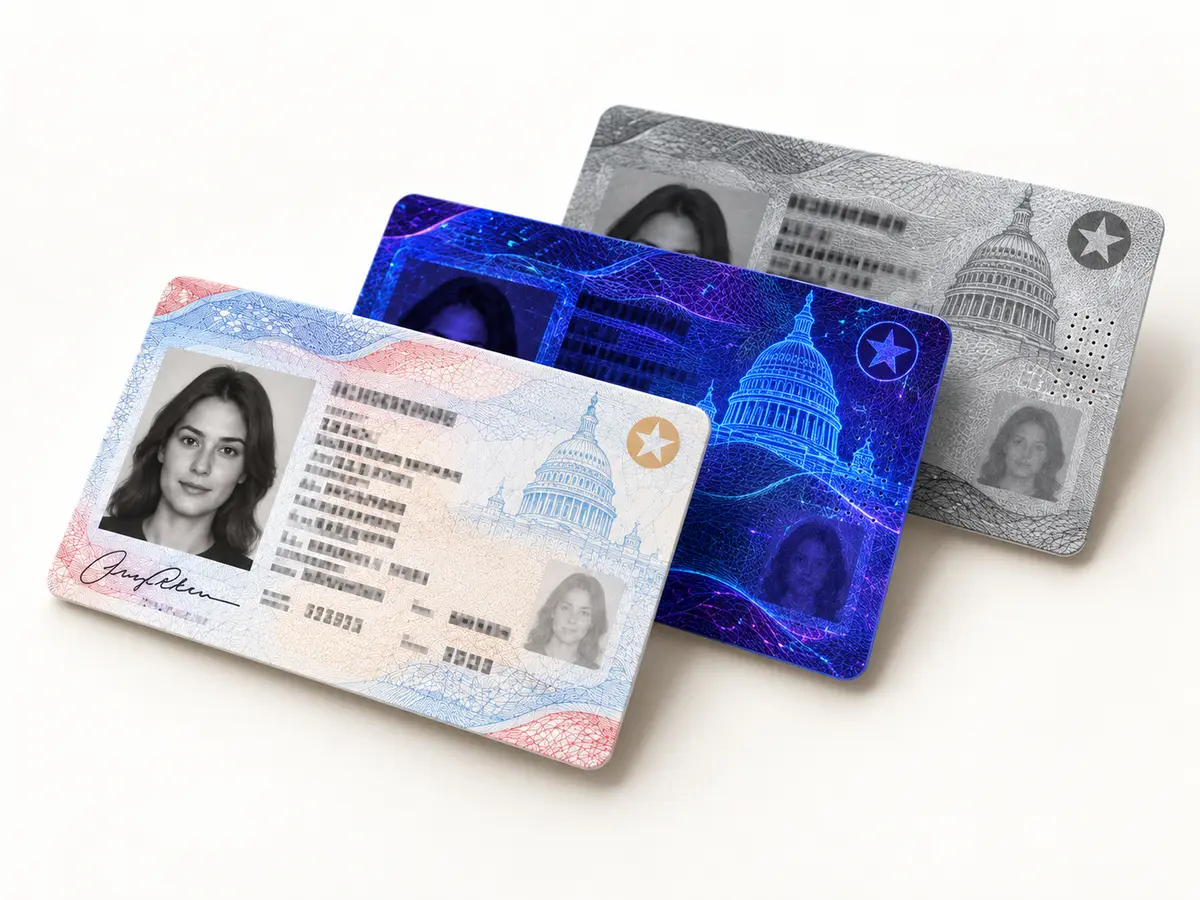
Produce controlled views under different illumination so the workflow can read printed data and inspect supported security responses.
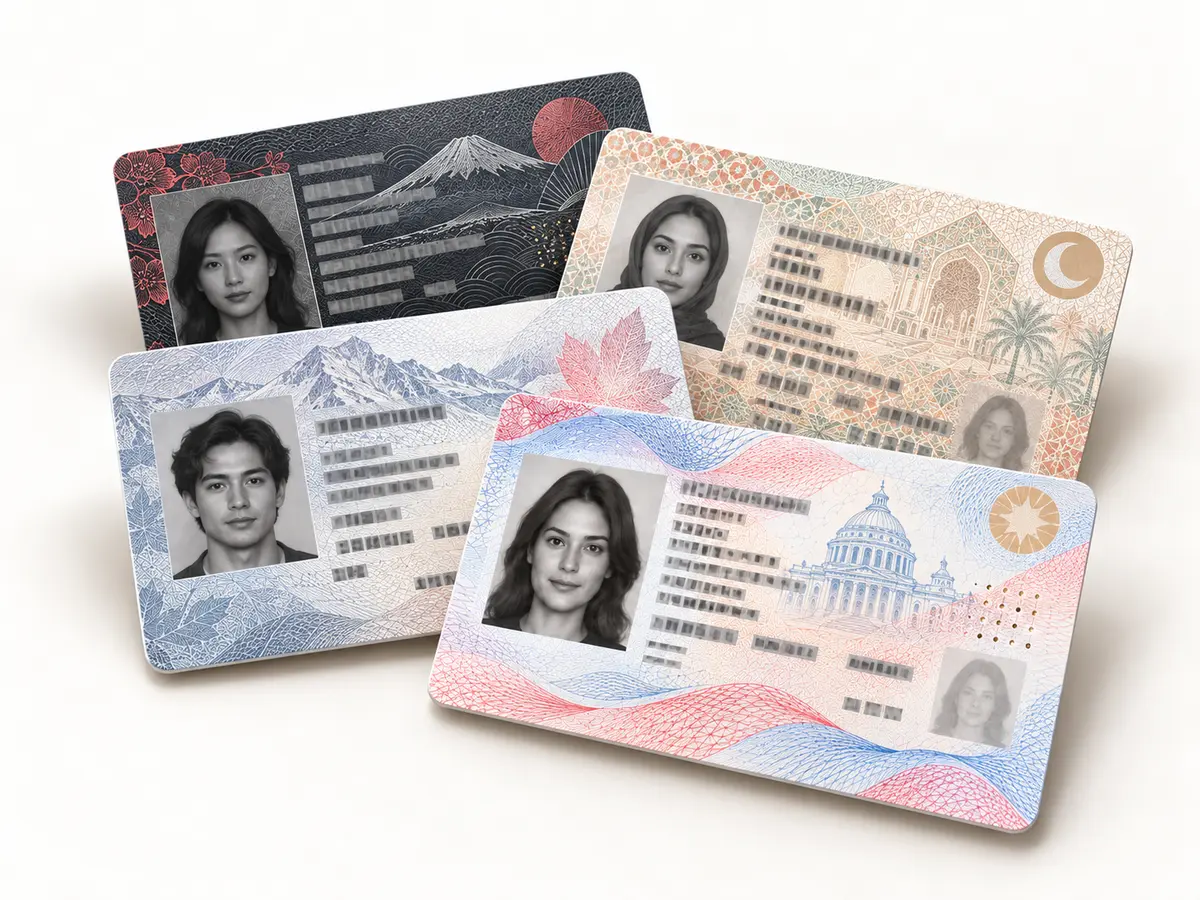
Preserve the full document layout so enabled Acupixel software can identify the credential format and locate expected fields.
Keep both card sides together from the moment of capture, reducing manual handling and providing a consistent input to the identity workflow.
A camera-based design with no moving parts captures supported driving licences and passport pages in under two seconds.
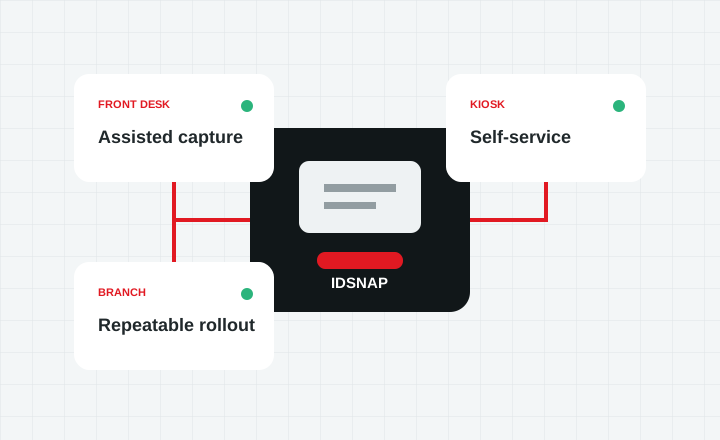
Processing lives inside the appliance, reducing workstation maintenance at every scan station while giving administrators browser-based control.
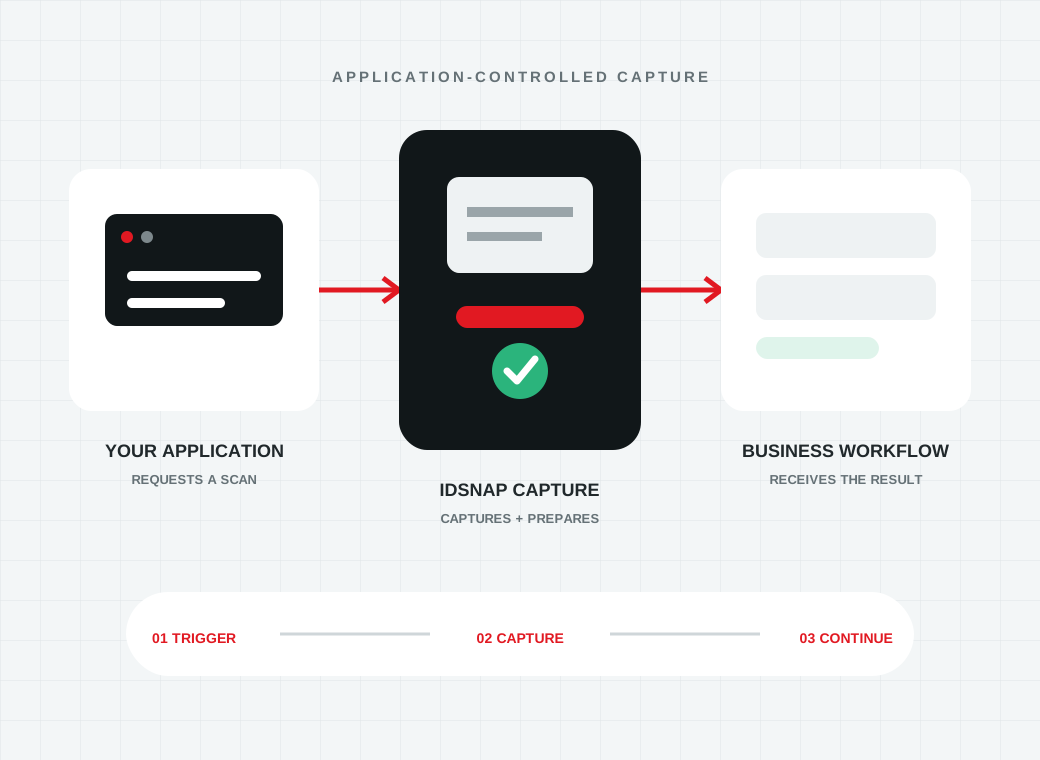
Approved applications can discover a scanner, initiate capture remotely and route the resulting images to Acupixel services or the customer's backend.
Visible, ultraviolet, infrared and transmitted-light views give enabled identity workflows more evidence from supported documents.
The GC2500e and GC2500u share the same core imaging approach: simultaneous duplex card capture, passport-page imaging, multi-light illumination and support for document-authentication workflows. The difference is where device control lives.
Connect it to the network, configure it from a browser and let your application initiate scans remotely. It is designed for enterprise, kiosk, multi-branch and API-driven workflows without a dedicated Windows PC at each station.
Connect the scanner to a workstation when device control and image handling are intended to run through local host software. It suits attended desks and applications built around a host computer.
Choose the deployment architecture that fits your environment while preserving the same controlled capture principles for cards and passport data pages.
| GC2500e added value | Business benefit |
|---|---|
| Embedded standalone operation | Reduces reliance on a dedicated Windows PC at every scan station and supports cleaner enterprise deployment. |
| Browser-based setup | Allows administrators to configure the scanner from a browser instead of relying only on local workstation setup. |
| LAN and Wi-Fi configuration | Supports branch, kiosk, counter, and controlled network environments. |
| API key registration | Helps manage authorized devices and license activation in enterprise deployments. |
| Standalone server mode | Supports web-based and cloud-connected scanner workflows. |
| Remote scan initiation | Allows a scan to be triggered from software or a cloud workflow. |
| Local network discovery | Makes device setup and device selection easier on a LAN. |
| Password-protected access | Protects scanner configuration and device control. |
| Diagnostic/debugging mode | Helps support teams validate scanner health, sensors, lights, buttons, and image capture. |
| Multi-light image capture | Supports visible, UV, IR, microhole, and hologram image workflows. |
Document reading and authentication results require the corresponding APX-Verify licence.
| Specification | GC2500e |
|---|---|
| Dimensions | 7.5 in × 8 in × 6.5 in |
| Interfaces | USB 3.0, Ethernet, Wi-Fi, Bluetooth, power |
| Scanning speed | Under 2 seconds per document |
| Resolution | Up to 600 dpi |
| Illumination | Visible, UV and IR, with a built-in UV/IR coaxial light source |
| Documents | Driving licences and ID cards; passports and visa pages, including laminated and plastic materials; national IDs; medical cards; insurance cards |
| Document standards | ICAO 9303 for travel documents; meets AAMVA standards for North American driving licences |
The GC2500e is designed to behave like a managed capture endpoint. Your software can identify an authorised device, initiate a scan and route the resulting images into the identity process behind your application.
Use API key registration and local network discovery to associate approved scanners with the appropriate deployment.
Start a scan from a branch application, kiosk interface or cloud-connected workflow instead of relying on a separate scanner utility.
Deliver captured images to Acupixel services or your own backend, where the application can continue its document-reading, authentication or onboarding process.
The GC2500e fits identity workflows that need card and passport capture at the edge, central device control and less workstation infrastructure at each location.
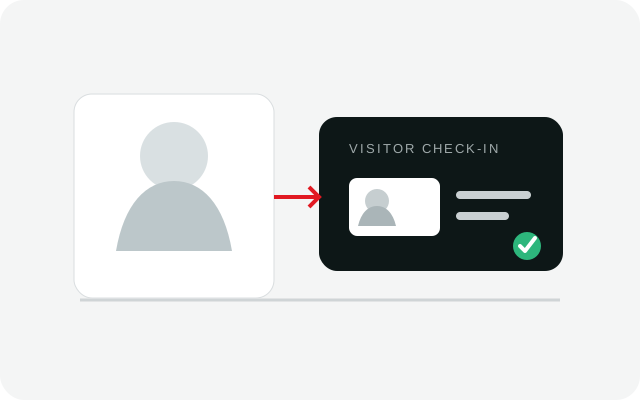
Connect staffed reception desks and self-service kiosks to a consistent capture process for registration, badging and access-control workflows.
Explore visitor management
Capture driving licences, identity cards and passport data pages at front desks or kiosks while returning the result to the property workflow.
Explore hospitality
Support licence and passport capture for domestic and international renters across attended counters and self-service pickup locations.
Explore car rental
Give branches a managed capture endpoint for account opening, lending and compliance processes without a dedicated scanner PC at every desk.
Explore banking workflowsTell us about your deployment and we will come back to you.