
Identity
verification.
Simplified.
The GC2500e is an embedded, network-connected identity capture appliance. It scans both sides of an ID card at once, with no need to flip it, reads passports and chips, and needs no dedicated Windows PC at the scan station.
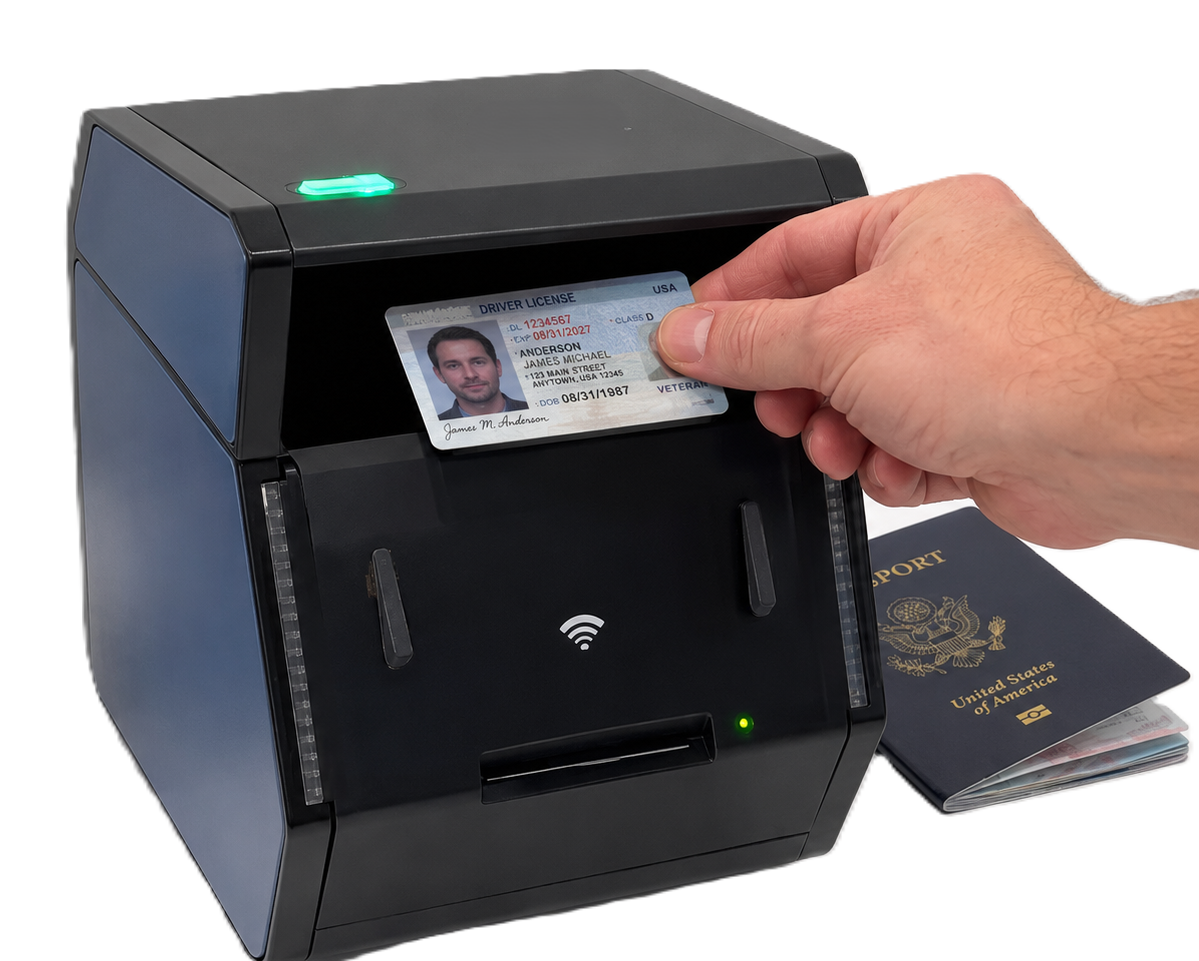
What Makes the GC2500e Stand Out
-
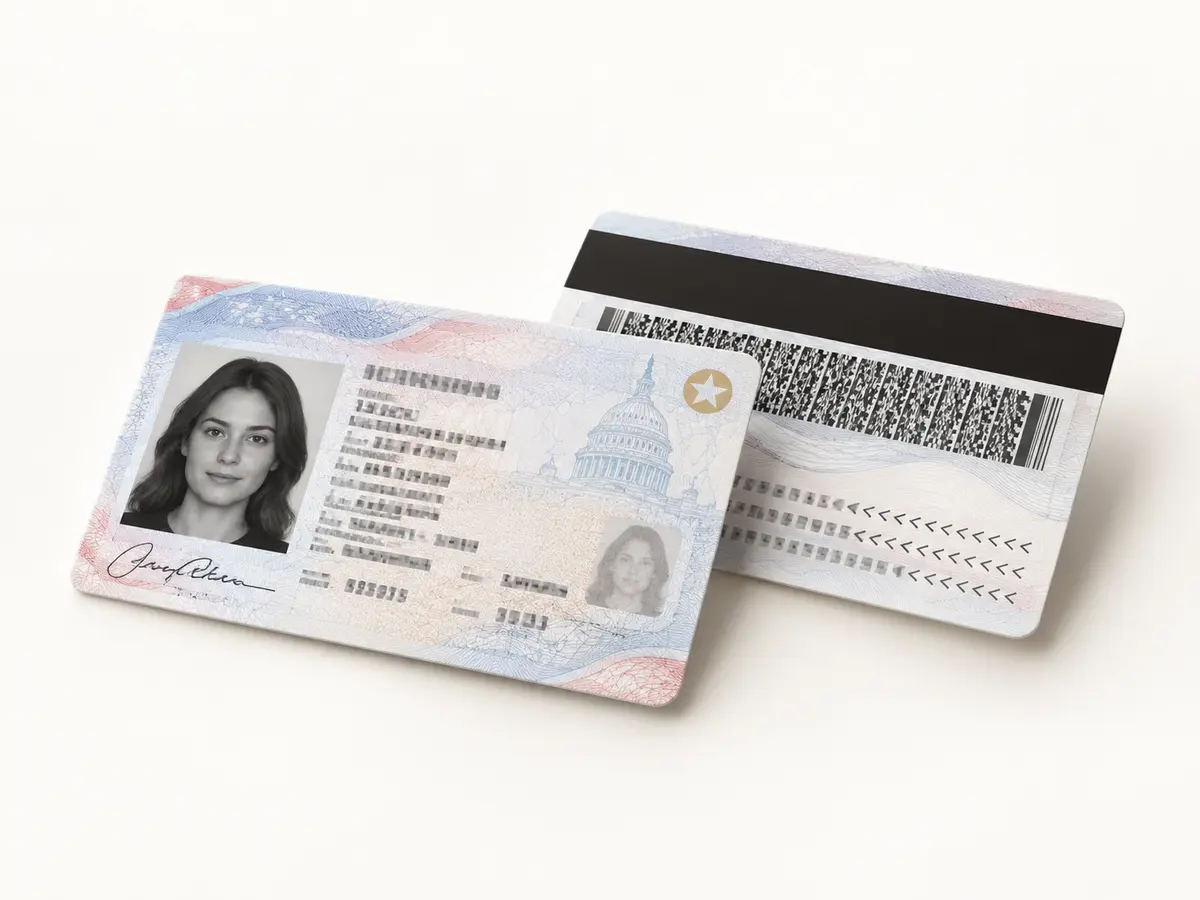
Simultaneous duplex scan, no flip needed
Front and back of an ID card, captured at the same time. A passport's data page is captured on its own.
-
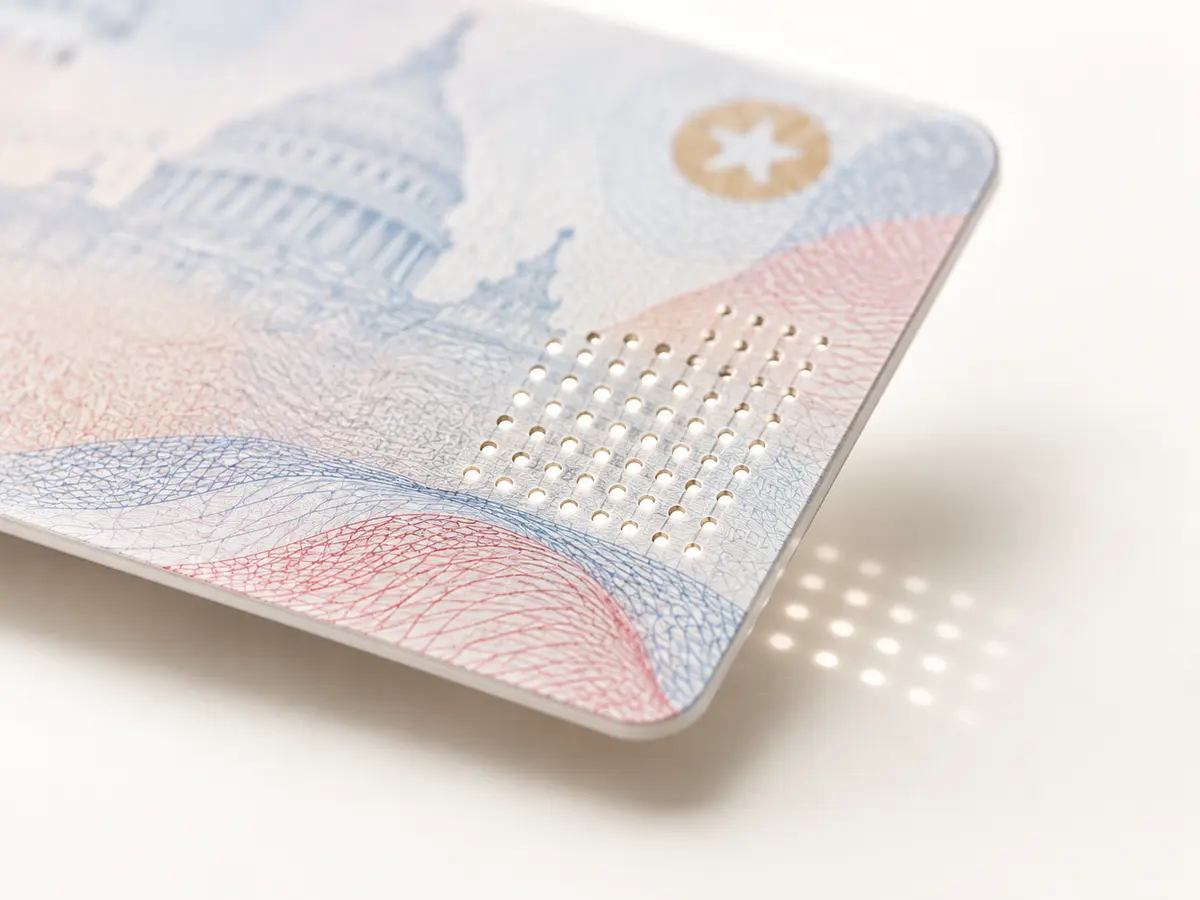
Light-Passthrough Testing
Light transmitted through the card detects and validates micro laser perforation.
with the corresponding APX-Verify licence -
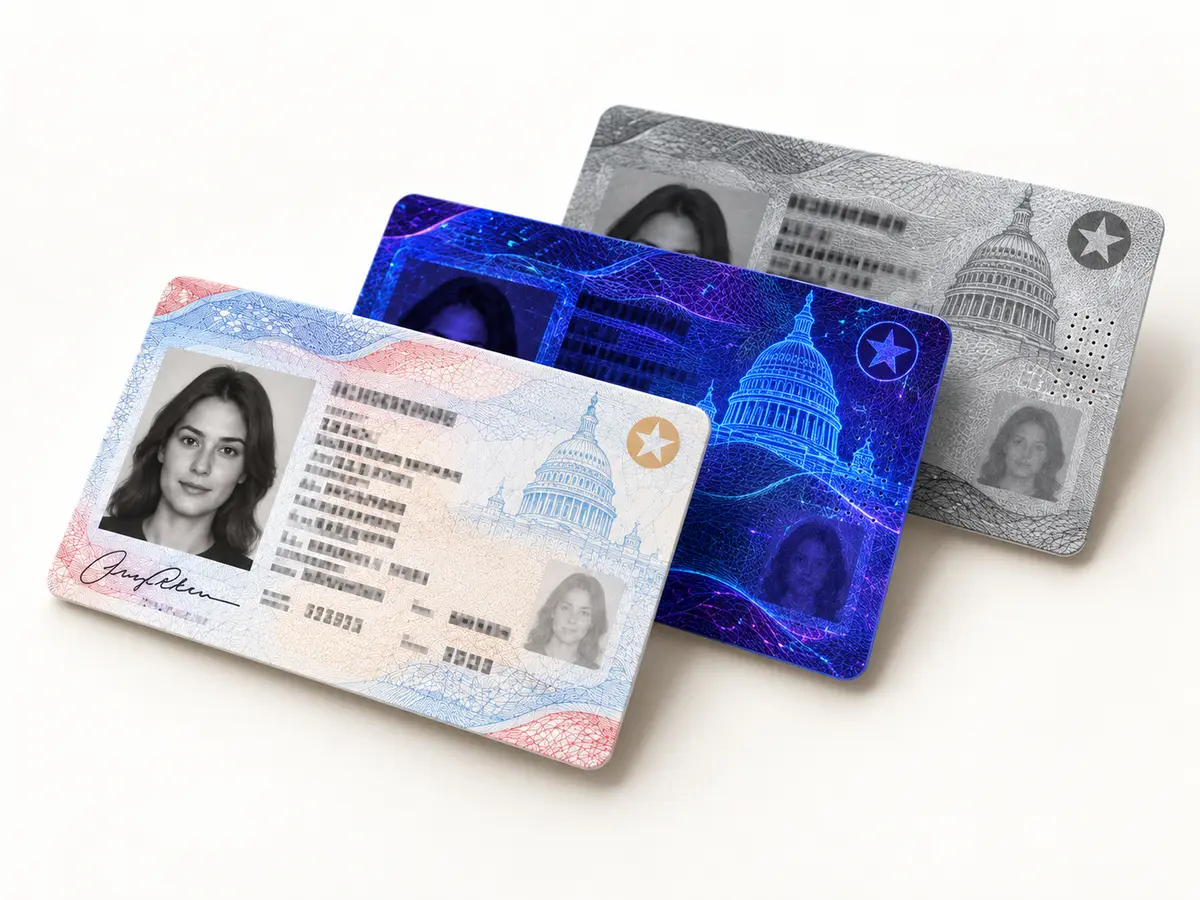
Multi-light security validation
Hidden text and security fields are read under UV and IR light.
with the corresponding APX-Verify licence -
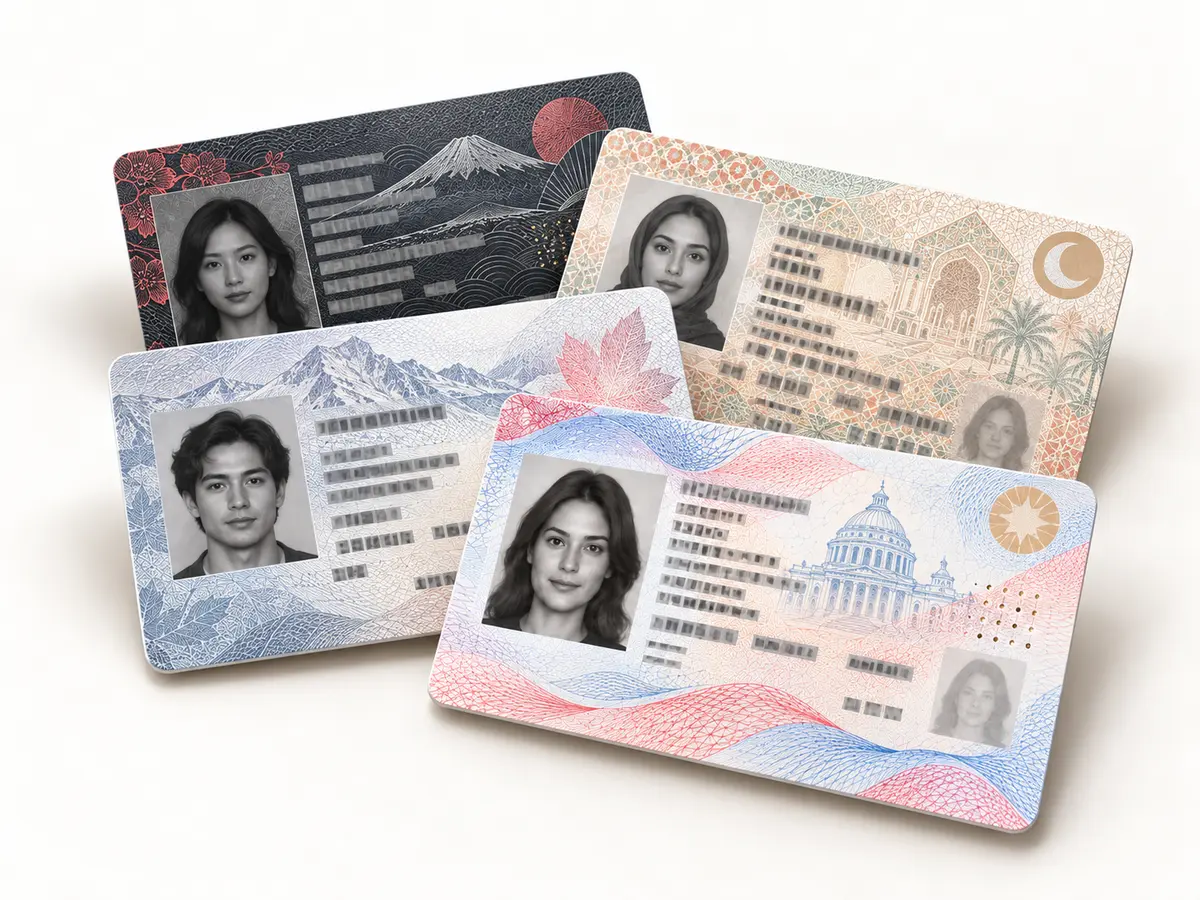
Document template detection
Unknown or new ID formats are identified from their layout and field patterns.
with the corresponding APX-Verify licence
| GC2500e | Detail |
|---|---|
| Speed | Under 2 seconds per document |
| Build | Camera-based, no moving parts |
| Connects over | USB 3.0, Ethernet, Wi-Fi and Bluetooth |
| Deploys in | Kiosks and self-service stations |
Network appliance or workstation scanner
The GC2500e and GC2500u use the same advanced imaging approach for ID cards and passports. The important difference is where the computing happens, which changes how each device fits into your environment.
Choose the GC2500e when you want a self-contained, network-connected appliance. It has embedded processing, browser-based configuration and remote scan initiation, so a dedicated Windows PC is not required at every counter, kiosk or branch.
Choose the GC2500u when a Windows workstation or kiosk computer is already part of the deployment. It connects to that host over USB and gives your application direct access to premium document capture.
Compare the two models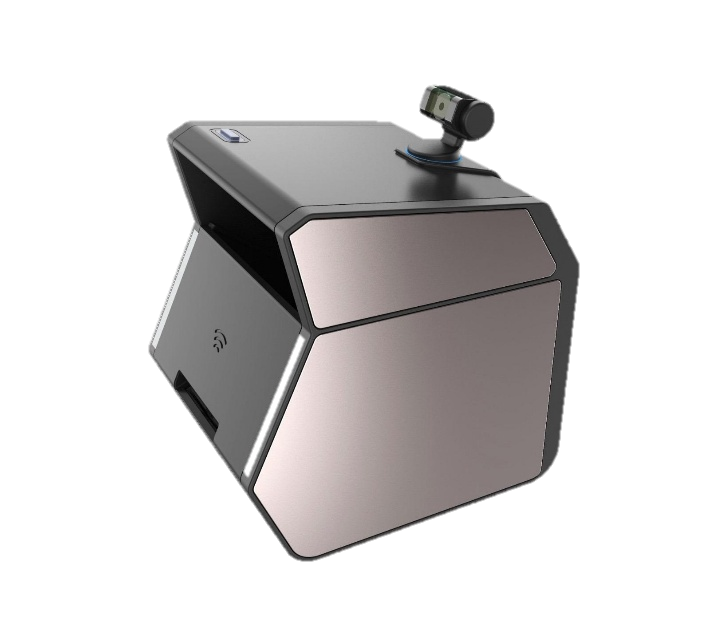
The IDSnap range
IDSnap GC2500e
The GC2500e is an embedded, network-connected identity capture appliance. It is configured from a browser, discovered on the LAN, triggered from your own software, and it does not need a dedicated Windows PC at every scan station.
Input An ID-1 card or a passport book, presented to the scanner by a person at a counter, a kiosk or a branch desk.
Output For an ID card: duplex images of front and back, captured simultaneously with no need to flip it, under visible, UV, IR and light-passthrough illumination. For a passport: the photo data page, plus any RFID or chip data. The blank back cover is not captured. Delivered to the APX-Verify cloud service or to the customer's own backend.IDSnap GC2500u
The GC2500u shares its imaging engine with the GC2500e: simultaneous duplex card capture with no need to flip it, light-passthrough, multi-light security validation, template detection and chip reading. The difference is deployment: it connects via USB to a PC, or over the network, rather than running as the GC2500e's standalone embedded appliance.
Input An ID-1 card or a passport book, presented to the scanner at a workstation or a network-connected scan station.
Output For an ID card: duplex images of front and back, captured simultaneously with no need to flip it, under visible, UV, IR and light-passthrough illumination. For a passport: the photo data page only. Delivered over USB or the network.IDSnap 960CDX
An ID-1 card scanner only: it is not a passport scanner.
Input An ID-1 card, optionally with a magnetic stripe.
Output Duplex images under visible, UV and IR illumination, plus magnetic-stripe data.IDSnap 850DX
Front and back of an ID card, in one pass.
Input An ID-1 card.
Output Images of both sides, captured in one pass under visible light.IDSnap 2000
A camera-based simplex scanner, powered over USB: the entry point of the range.
Input A driving licence or ID card presented to the scanner.
Output A captured image of the document, one side at a time.
Where IDSnap scanners work
From a staffed reception desk to an unattended kiosk, IDSnap provides consistent document capture wherever a customer, guest, driver or applicant needs to prove who they are.
 Security and access
Visitor management
Capture IDs at staffed desks and kiosks, reduce manual entry, issue badges and support watchlist or access-control workflows.
Explore visitor management Guest experience
Hospitality and hotels
Capture passports and identity cards during check-in, populate guest details faster and reduce transcription errors at the front desk.
Explore hospitality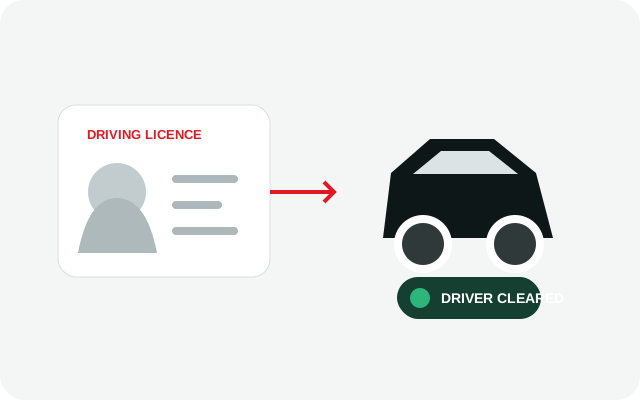 Driver verification
Car rental
Read driving licences and passports at busy rental counters, airport locations and self-service pickup points.
Explore car rental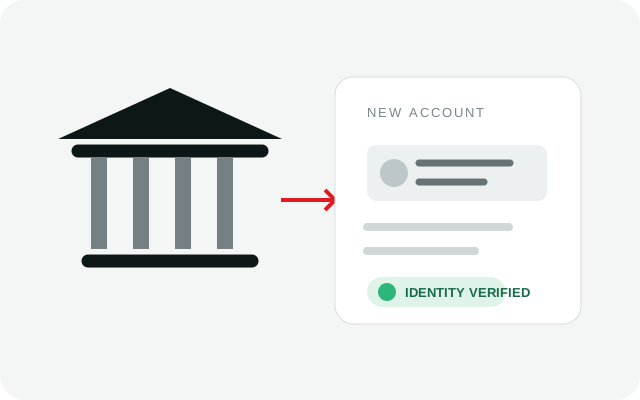 Member onboarding
Banking and credit unions
Standardise identity capture for account opening and member onboarding across branches, desks and self-service environments.
Explore banking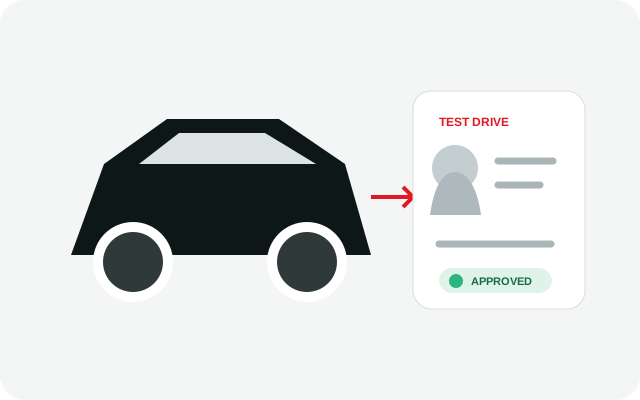 Retail automotive
Auto dealers
Capture customer identity for test drives, financing and onboarding with a repeatable process across every dealership location.
Explore auto dealers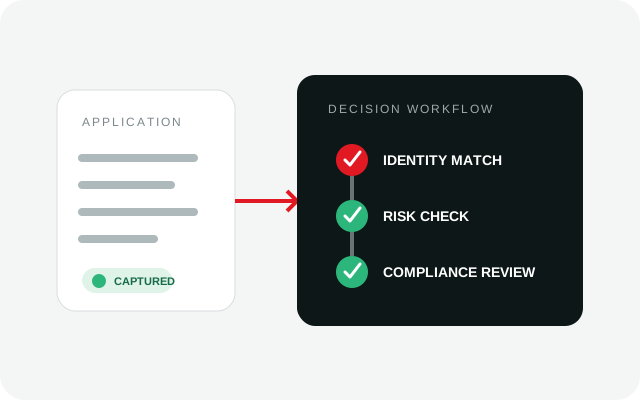 Identity and compliance
Financial services
Support loan applications, customer onboarding and compliance-driven identity checks with reliable document images and data.
Explore financial services
However you work with IDSnap
Choose proven document-capture hardware for a customer deployment, build it into your own product, or bring IDSnap to the market as a distribution partner. We help you match the scanner, software and support model to the way you do business.
-
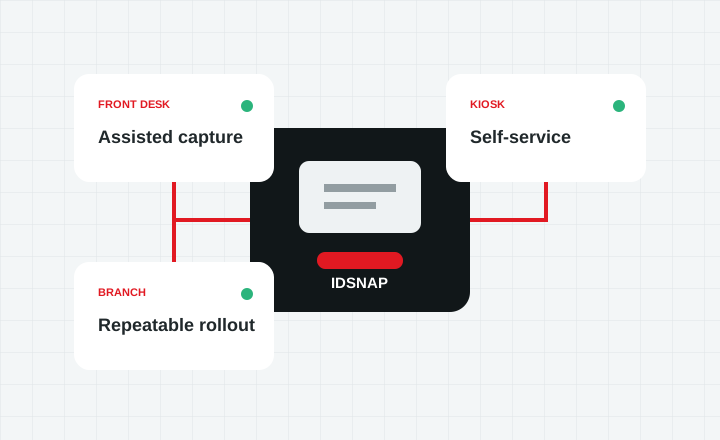 System integrators
Planning a deployment
Match capture hardware to your document mix, transaction volume and operating environment, whether you need one reception desk or a rollout across many locations.
Tell us about your deployment -
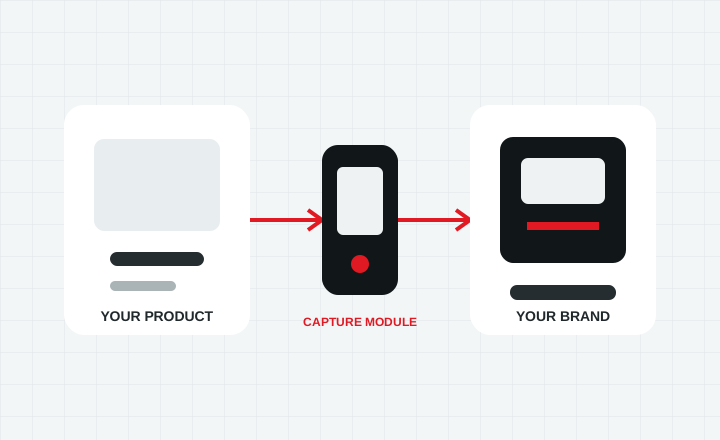 OEM and embedded
Building it into your product
Integrate IDSnap capture into a kiosk, reader or purpose-built device while retaining control of your software experience and brand.
Explore integration options -
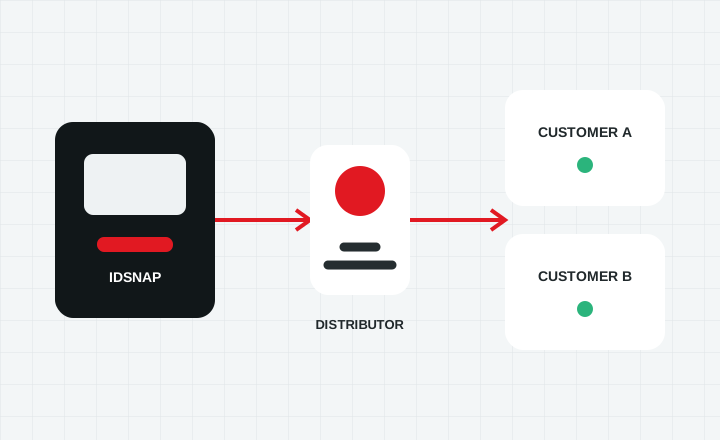 Channel partners
Selling and supporting IDSnap
Add reliable document capture to the solutions you already sell, backed by product guidance, configuration help and ongoing support.
Become a distributor
Driven by your software
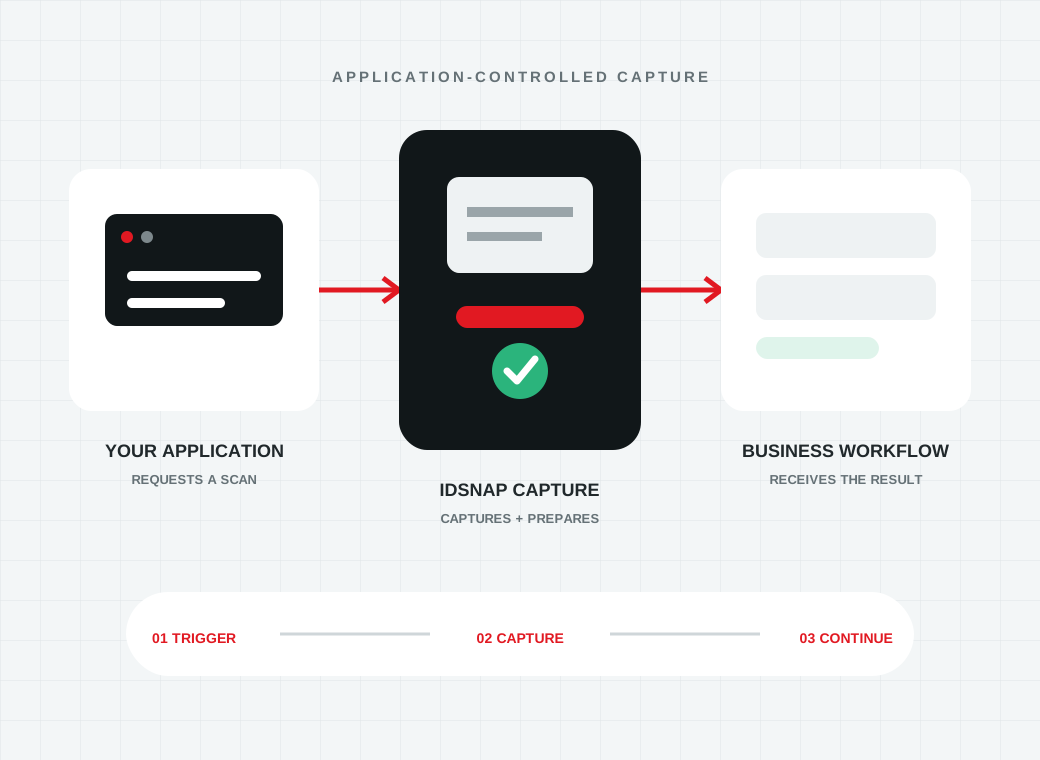
Your application controls when a scan starts and what happens next. IDSnap supplies the dependable capture layer without forcing operators into a separate workflow.
- 01
Trigger capture
Start a scan from your application, workstation, kiosk or network workflow.
- 02
Receive a clean document image
Use the captured image and available data in the business process you already own.
- 03
Continue the identity workflow
Route the result to onboarding, visitor management, verification or your own downstream service.
Planning a deployment?
Tell us what you need to scan, where, and at what scale.